SumatraPDF: a free, no-ads PDF and ebook reader for Windows
The SumatraPDF site says it is a free and open source PDF, eBook and comic reader for Windows, with no ads or bundled software.
Official publisher artwork hosted by its publisher. Official source. Independent guide, not affiliated or sponsored. Artwork and trademarks belong to their owners.
What it is
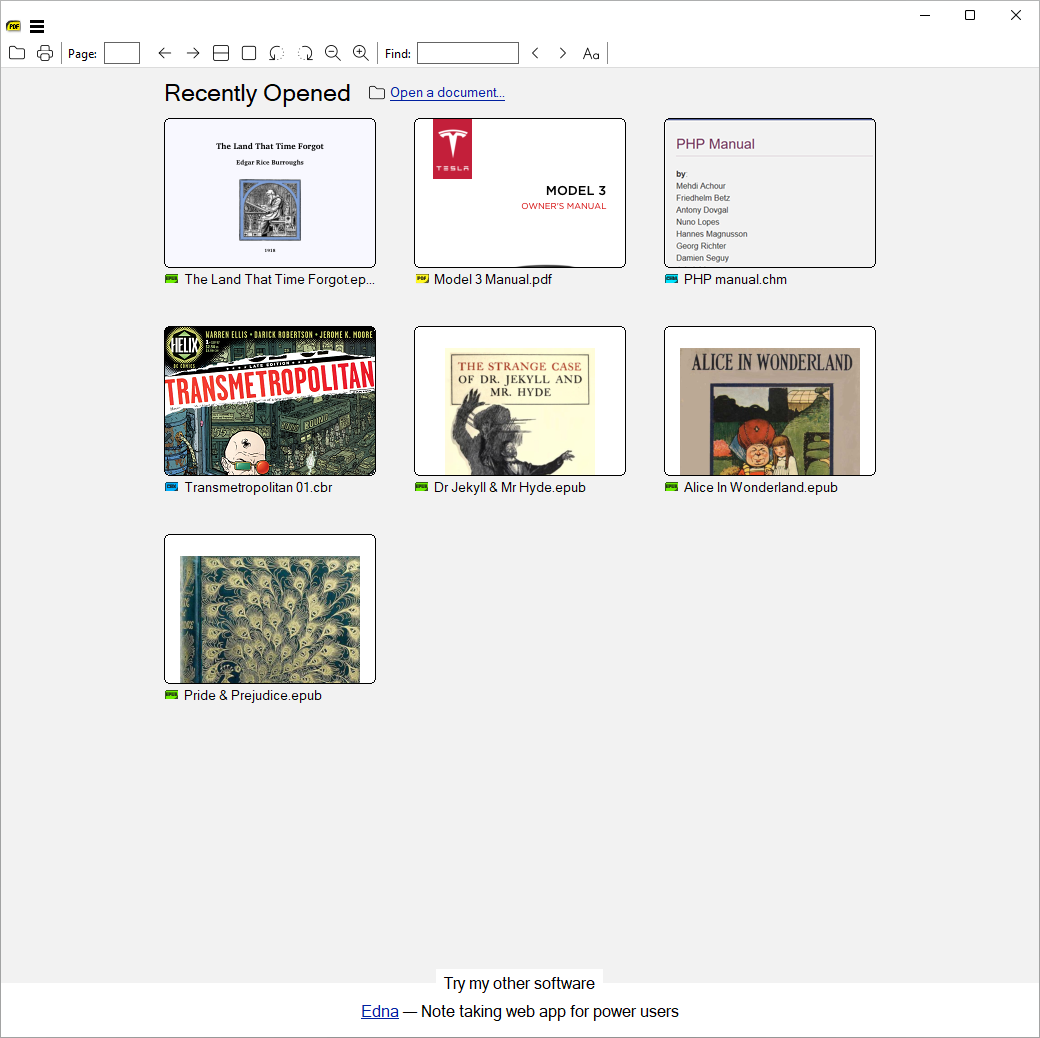
SumatraPDF is a small PDF reader for Windows. The developer's site calls it a "PDF, eBook, and comic reader for Windows" and says it is "free, fast, small". It also opens EPUB, MOBI, comic book files (CBZ, CBR), DjVu, XPS, CHM and common image formats. It is not an AI tool. We included it as a free, official, no-ads alternative when a PDF reader feels slow or bloated.
Is it free?
Yes. The official FAQ says SumatraPDF "is completely free and open source, with no ads or bundled software". The homepage adds "no subscription". The download page shows no price.
What it does
- Opens many formats: PDF, EPUB, MOBI, CBZ/CBR, DjVu, XPS, CHM and images, per the site.
- Lightweight: the site says it opens documents quickly with minimal memory use. The installer on the download page is about 10 MB.
- Portable option: a single .exe in a zip that can run from a USB drive, with no registry writes, per the download page.
- Customisable: keyboard shortcuts, themes and toolbar layout, per the site.
- Highlighting: the version history and a user quote mention text highlighting and annotations. The version history lists the Annotations window and document signing in a pre-release build.
How to get it
- Download: https://www.sumatrapdfreader.org/download-free-pdf-viewer. The page offers 64-bit (recommended), 32-bit and ARM64 builds, each as installer or portable zip.
- Version: the site lists 3.6.1 as the download, with 3.7 as a pre-release.
- Requirements: Windows 7 to 11. For XP and Vista the site points to version 3.1.2.
- Windows only. The FAQ says there is no Mac or Linux version.
What to watch out for
- It is a reader first. Do not expect the full editing tools of a paid PDF editor.
- Use only the official site. Many look-alike download sites exist for popular free software.
- The pre-release 3.7 is not the main download. Stay on 3.6.1 unless you want to test.
Privacy and data
- The official privacy policy says your documents never leave your computer, and that SumatraPDF does not upload documents, their names or the list of files you have read.
- It says the app contacts the developer's server to check for updates (on by default) and to send a report when it crashes.
- It says the website has no ads, no analytics and no cookies, and that data is not sold or shared for marketing.
- The restricted-use page describes an internet-access setting that stops update checks and crash reports.
India
- The site does not restrict by country on the pages we read. We did not test the download from India.
Frequently asked questions
Is SumatraPDF free?
Yes, per its official FAQ: free and open source, with no ads or bundled software.
Does it work on Mac, Android or iPhone?
No. The FAQ says it is Windows only.
Does it upload my documents?
Its privacy policy says documents never leave your computer.
Sources: Homepage, Download, Version history, Privacy policy, Restricted use. Checked 15 October 2026.
No SumatraPDF logo is used in this article. Independent guide, not affiliated.