
RustDesk: free open-source remote desktop, and the scam warning in its own FAQ
RustDesk lets you control another PC remotely. The project says the program is free and open source, and warns that remote tools are often used in scams.
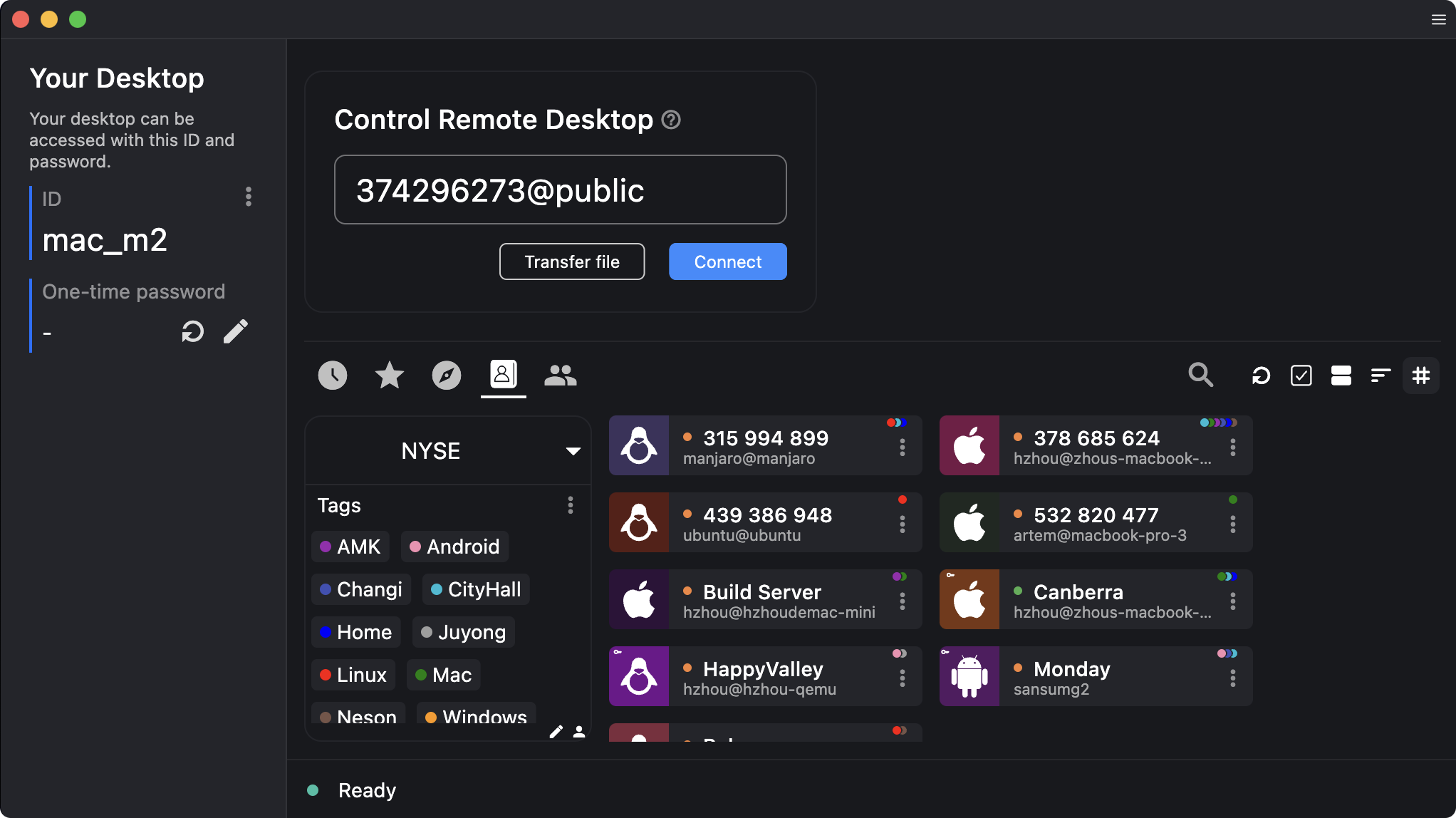
What it is
RustDesk is open-source remote desktop software. It lets you see and control another computer over the internet, for example to help a relative with their PC. The homepage calls it "The Fast Open-Source Remote Access and Support Software" and pitches it as a switch from TeamViewer, AnyDesk and Splashtop. Its marketing leans towards self-hosted servers for organisations. This guide covers the plain free program.
Is it free?
Yes, the program is. The official site's product notes list a "free open-source RustDesk", and a separate paid "RustDesk Server Pro" for organisations. The pricing page is for those self-hosted Pro licences, not a subscription for the app. Its GitHub FAQ says "the community releases are free of charge if you wish to self host, no license is required" and mentions "our free public server". GitHub lists the AGPL-3.0 licence.
Where it runs, per RustDesk
- Windows, macOS, Linux and Android, per the homepage.
- The latest GitHub release when we checked was 1.5.0, dated 30 September 2026, with installers for Windows, macOS and Linux.
- The FAQ says RustDesk left the Google Play Store because of scamming, and links an App Store page for iPhone. We did not verify the Apple page. We do not cover the Android app here.
How it connects, per the README and FAQ
- The README says it "works out of the box with no configuration required", using RustDesk's rendezvous and relay server, or your own.
- The FAQ says that if two devices cannot connect directly, the relay part of the server handles the connection.
- The paid Pro version adds security features such as extensive logging and client management, per a FAQ answer. The free version does not have them.
Scam warning, from RustDesk's own FAQ
- The FAQ says "both TeamViewer and AnyDesk have frequently been targeted by scams", and that scammers also use self-hosted setups. It says they "trick users (often targeting seniors) into installing custom clients that connect to their self-hosted servers".
- The README carries a misuse disclaimer: the developers "do not condone" unauthorised access, control or invasion of privacy.
- Our advice: never install a remote-control tool because someone who phoned or messaged you asks. Share your ID and password only with a person you contacted yourself and know. Close the session when done.
Privacy and data
- The FAQ says the free public server "does not persist access log yet". That is the vendor's statement, and it says "yet".
- The FAQ says the controlled device can show errors and logs locally. We did not read a full privacy policy for the free public server, so we make no wider claim.
- The homepage says self-hosting keeps data fully under your control. That applies if you run your own server.
India
- No region limit appears on the pages we read. No price applies to the free program. We did not test connection quality from India.
Frequently asked questions
Is RustDesk free?
The open-source program is, per the vendor. A separate paid Pro server exists for organisations.
Is it safe?
The vendor says remote tools are often used in scams. Use it only with people you trust and contacted yourself.
Do I need to host a server?
No. The README says it works out of the box. You can run your own if you want.
Sources: rustdesk.com, pricing, GitHub README, FAQ, releases. Checked 19 October 2026.
Independent guide, not affiliated.