Polotno Studio: edit a design, download the PNG
Need to place readable text on a social card without creating another account? Polotno Studio opens a visual canvas in your browser and lets you edit text before downloading an image. We made a deliberately plain, fictional workshop card and verified the actual 1080 x 1080 PNG. The useful part is direct layout control and a downloadable file, not a claim that the editor automatically produces a good design.
Quick facts
- Tool: Polotno Studio, the public browser design editor. It is different from the developer SDK and its commercial licence.
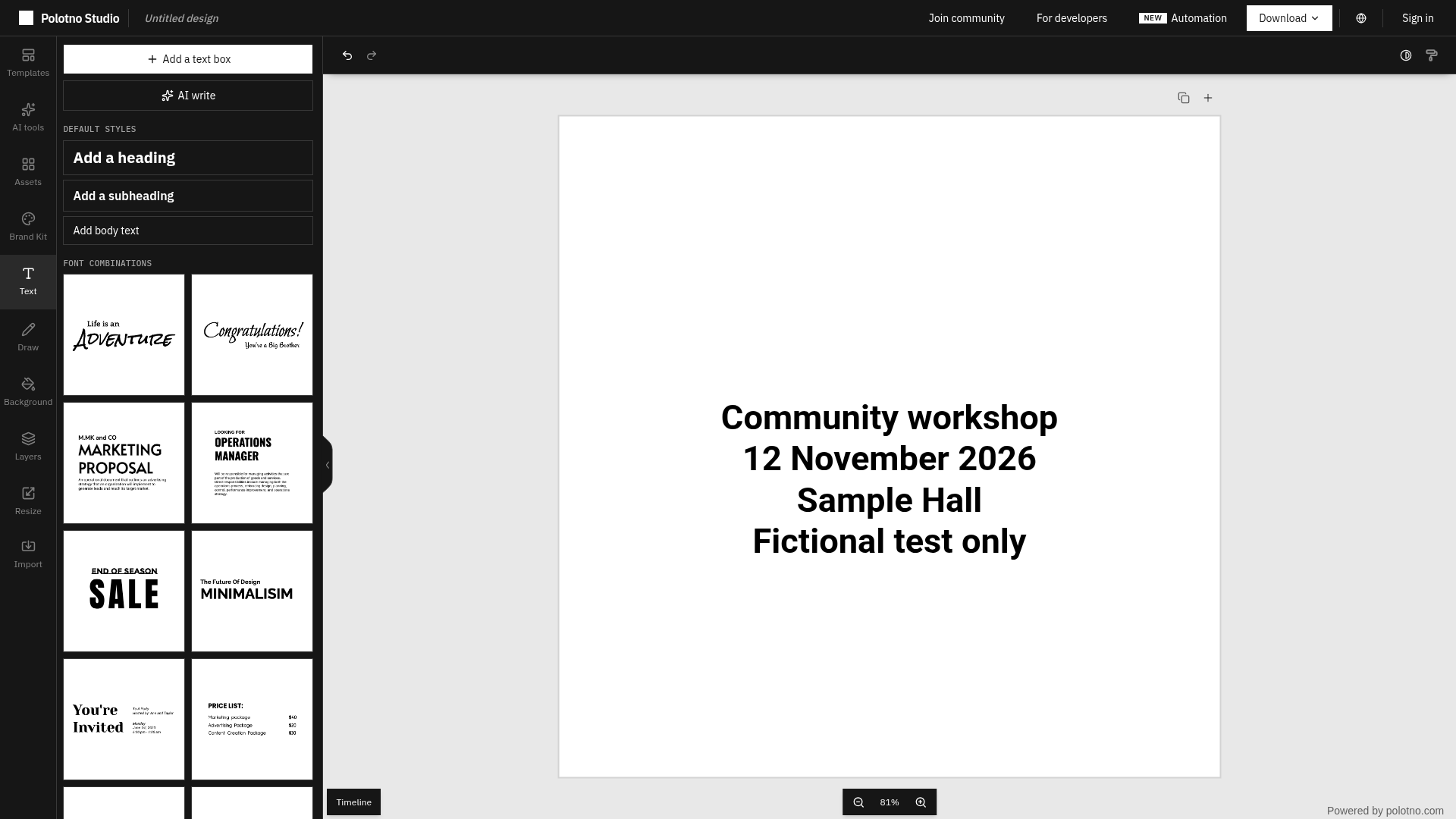
- Actual test: added a heading, changed its font size to 56, replaced it with four lines of fictional workshop text, then downloaded PNG at the displayed 1080 x 1080 size.
- Verified output: the downloaded PNG was 1080 x 1080, showed all four lines and no visible watermark. No account, card or payment was requested in that route.
- Cost: Polotno's creator page describes Studio's core editor as free with no sign-up. Optional account, cloud, AI and automation features have different scope; we did not test their pricing or quotas.
- Privacy: Studio's policy says no-account work stays in the browser. Optional AI sends the content for that operation to model providers, and cloud-save stores content. These are provider statements, not a traffic audit.
- Not tested: templates, uploaded assets, stock-image rights, AI tools, cloud saving, PDF, SVG, video, print production or use from an Indian network.
Why use it beside a chatbot?
A chatbot can help with wording. A design editor lets you select the actual text, change its size, see its placement and export the canvas. Use that when a message needs to become a notice, simple social graphic or title card and you want direct control instead of another image-generation attempt.
Our sample was a plumbing check, not a finished poster recommendation. It used one text object and no photo, illustration, template or logo. You still need to choose a sensible hierarchy, check dates and spelling, and inspect the final file at its intended viewing size.
What we actually checked
On 29 October 2026 we opened Polotno Studio without signing in. In Text, we chose Add a heading, changed the size from 80 to 56, opened text editing and entered these four lines:
Community workshop
12 November 2026
Sample Hall
Fictional test only
We left the canvas white, did not add images, and opened Download. The menu showed PNG and 1080 x 1080 px. We chose Download PNG, opened the actual downloaded image, and checked its dimensions and pixels. All four lines were visible without clipping, and the file had no visible watermark.
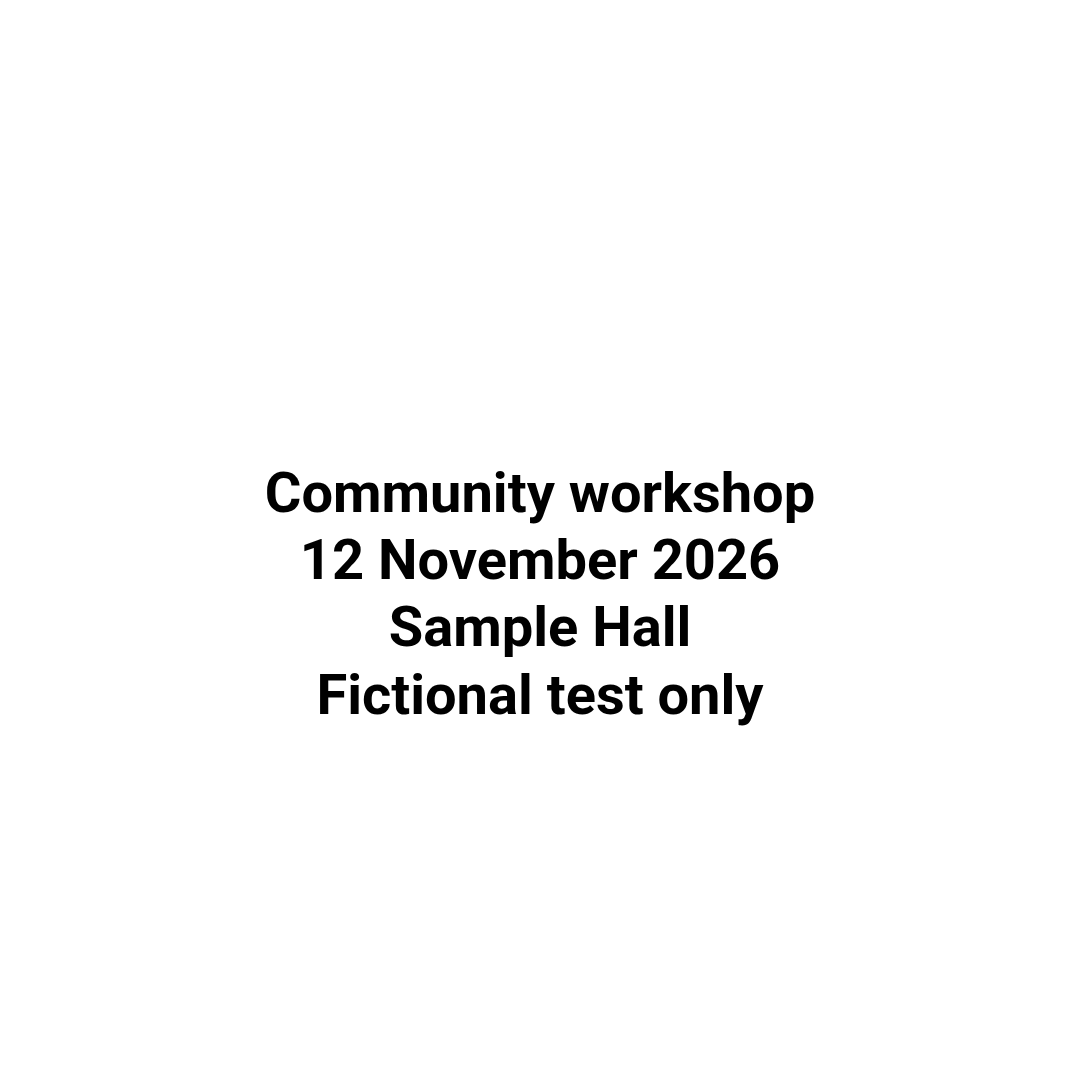
This verifies one text-to-PNG workflow. It does not establish that every format, asset or design will export correctly. We did not test saving and reopening an editable project. Keep your editable source as well as the flattened image if you need later revisions.
Make a simple card
- Open the public Studio editor. Start with a blank canvas for a notice that does not need photos.
- Use Text to add a heading or text box. Enter your wording, then check it before styling.
- Adjust the font size and placement. Leave space around the edges and make the most important line easiest to read. Our test changed size only; it did not cover a full multi-object layout.
- Open Download and confirm the file type and displayed dimensions. We tested PNG at 1080 x 1080, not print-ready PDF or other exports.
- Download and reopen the file. Check clipping, line breaks, spelling, contrast and how it reads on a phone before sharing it.
Do not assume a PNG preserves editable text objects. It is an image output. The provider lists other export formats, including JSON, but we did not verify those routes or project round-tripping.
Free Studio is not a free SDK licence
The creator page calls Studio a free, no-signup editor. The separate pricing page concerns a commercial Polotno SDK licence scoped to a developer's use case. Do not read that licence pricing as a charge we paid to download our card, or assume that public Studio access licenses the SDK for your own product.
Studio's policy also covers accounts, cloud storage, usage records, paid plans and the Automation API. We did not create an account, buy credits, connect a payment method or use automation. Our test establishes no payment requested for this PNG route, not unlimited free access to every named product.
Keep the privacy boundary visible
The Studio privacy policy says that without signing in, content is kept in the browser and not transmitted to Polotno. Its free-editor page says the browser may still fetch fonts and make limited analytics requests. No-account does not mean no network activity, and we did not test offline use.
Cloud-save, projects, brand kits and automation can store designs and assets on the service. Optional AI features send the input needed for that operation through Polotno to a model provider. We did not use those features. Keep confidential work out until you have checked which mode you are using and whether its terms meet your needs.
The policy says content is not used to train AI models. That is a provider policy statement, not an independent security assessment. An anonymous editing session also is not a backup: download the output and verify a supported source-saving workflow before relying on it for important work.
Useful limits
A readable PNG is not a print-proof file, accessibility guarantee or rights clearance for stock material. We used only fictional text. We did not check CMYK, bleed, embedded fonts, transparent backgrounds, multi-page ordering or video rendering. Do not promise those based on this test.
No India-specific access guarantee or mobile editing claim was established. If you choose a template or external image, check its licence separately. If you use AI, review the result and its data-sharing route separately from the core editor.
Sources
- Actual public Studio editor
- Official creator guide: free core editor, no sign-up and browser editing
- Official export overview: format options and browser rendering
- Studio privacy: anonymous editing, cloud storage and optional AI
- SDK commercial licensing, separate from public Studio
- Security overview, explicitly scoped to the SDK