
Memtest86+: free open source tool to test your PC memory (RAM) from a USB drive
Official publisher logo hosted by its publisher. Official source. Independent guide, not affiliated or sponsored. Artwork and trademarks belong to their owners.
Memtest86+ calls itself a free, open source, stand-alone memory tester. Its site says it checks more thoroughly than BIOS memory tests.
What it is
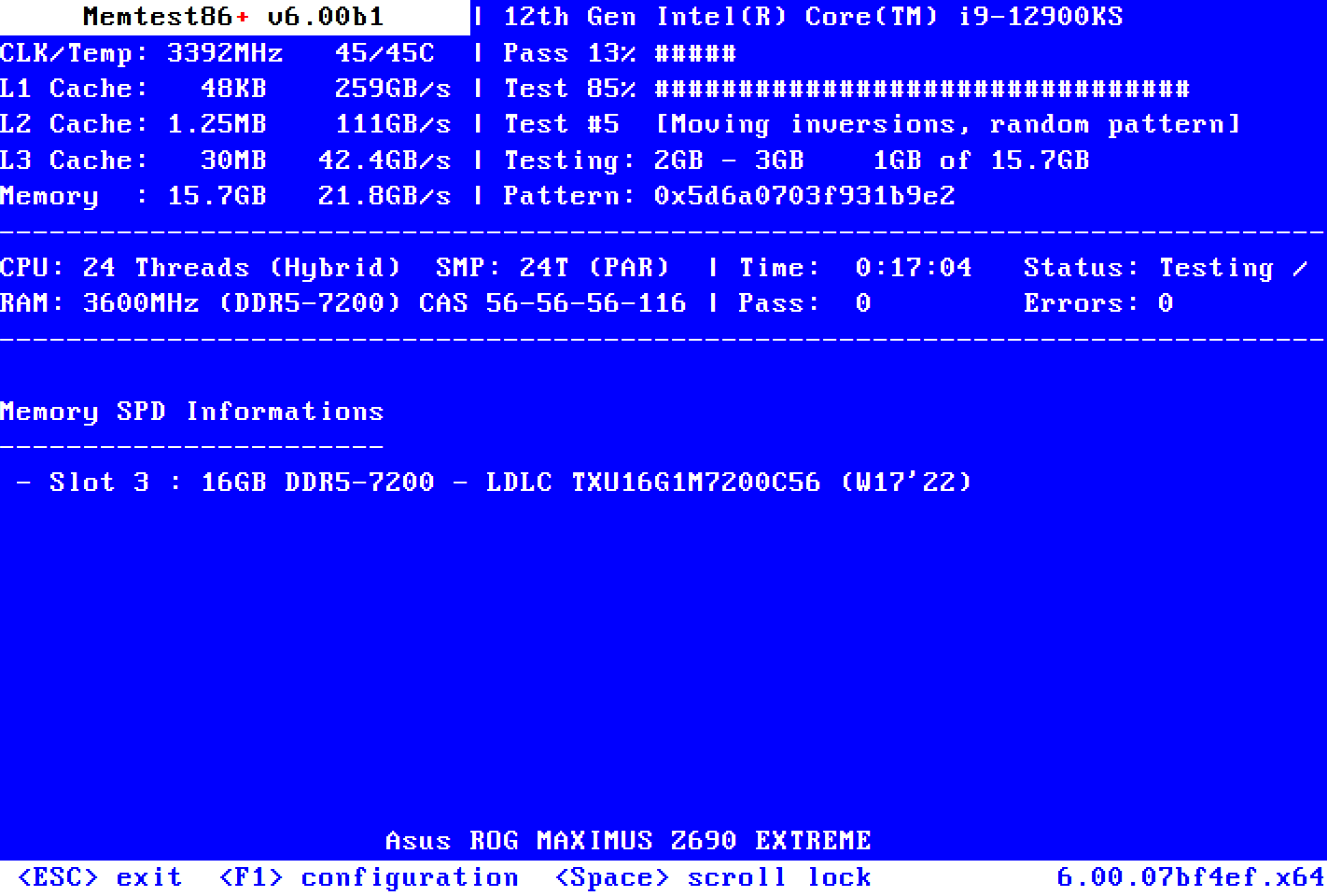
Memtest86+ tests the RAM in a computer. You do not run it inside Windows. You put it on a USB drive and boot the computer from that drive, and it tests the memory on its own. The site says memory errors are one of the most common causes of crashes, freezes and instabilities, and suggests testing RAM first when you see such problems.
Is it free?
Yes, per the project. Its site calls it "a free, open-source, stand-alone memory tester" released under GNU GPL v2.0. No price appears on the pages we read, so there is nothing to convert to rupees.
Do not mix it up with Memtest86 (no plus). The Memtest86+ site says it "is not an edition of Memtest86", which it says has been closed-source "Freemium" software owned by PassMark Software since 2013. We did not review that product.
What the site lists
- Version 9.00, released 2026-10-15, with a Windows USB Installer (32 and 64 bit), Linux ISO files, binaries for PXE boot and source code. Checksums are linked.
- Support for x86, x86-64, ARM64 (UEFI and ACPI only) and LoongArch64 systems.
- It can save a full-text report to a FAT32 USB drive by pressing F6.
- It runs in an endless loop. After one successful pass, all memory has been tested. You press ESC to stop.
Good to know, per Memtest86+
- To make a USB on Windows: plug in a FAT32-formatted USB drive, run the Windows USB Installer, then reboot and pick the USB drive in the boot menu (often F8, F12 or ESC).
- On Linux and Mac the site points to writing the ISO to the drive, for example with balenaEtcher.
- Secure Boot: version 9.00 and newer are signed, but "not by Microsoft yet". The site says to add its CA certificate to your firmware, or temporarily disable Secure Boot.
- The site says USB keyboard drivers are work in progress, so a USB keyboard may not work on some hardware.
- If it finds errors, the site says to retry at default settings if you overclocked, then test one module at a time.
Our advice
- Use a spare USB drive. We did not check what the installer does to existing files on it.
- Changing boot or Secure Boot settings is a firmware change. Note the old setting so you can put it back.
- This is a tool for troubleshooting, not for everyday use. Skip it if your computer runs fine.
- Download only from memtest.org.
Privacy and data
- We found no privacy statement for the program and make no claim on what data it collects. It runs outside the operating system, and reports go to your own USB drive.
India
- No region limit appears on the pages we read. We did not test it from India.
Source code
The GitHub project memtest86plus/memtest86plus is under GPL-2.0 and has about 1,800 stars, per its GitHub page.
Frequently asked questions
Is Memtest86+ free?
Yes. Its site calls it free and open source under GPL v2.0.
Is it the same as Memtest86?
No. The site says Memtest86+ is not an edition of Memtest86.
Does it run inside Windows?
No. You boot your computer from the USB drive.
Sources: memtest.org, GitHub. Checked 20 October 2026.