
Jellyfin: free software to stream your own movies and music
Jellyfin is free software that streams your own movies, shows, music and photos from a server you run. Its site says no subscription is required, and it hosts nothing for you.
Official publisher artwork hosted by its publisher. Official source. Independent guide, not affiliated or sponsored. Artwork and trademarks belong to their owners.
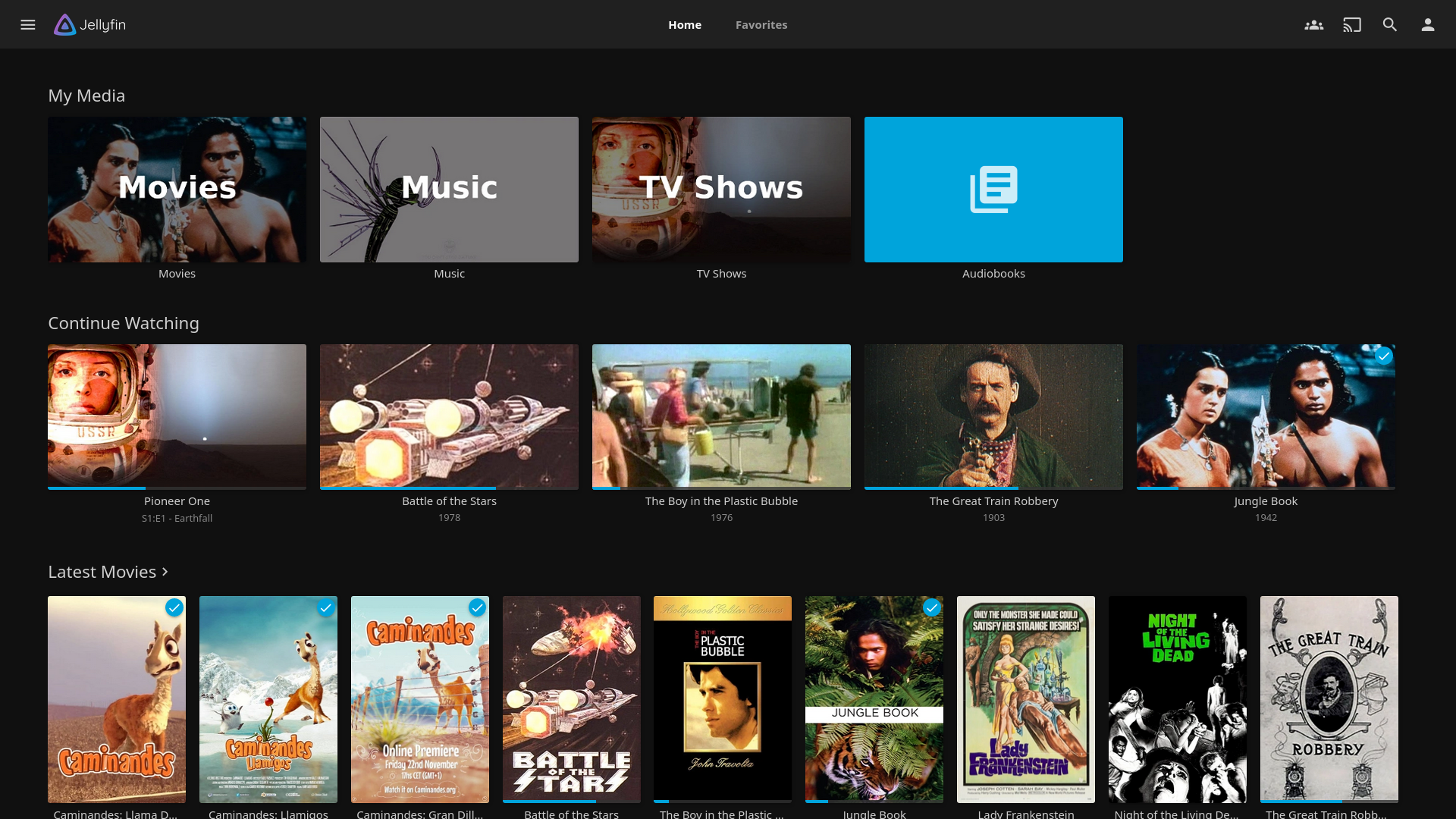
Official app screenshot
What it is
Jellyfin is software that lets you stream your own movies, shows, music, books and photos to your devices. Its homepage calls it "the volunteer-built media solution that puts you in control of your media" and says you stream "from your own server, with no strings attached". The key point is the server: you run Jellyfin on your own computer. The homepage notes: "We do not run servers for users." It is not an AI tool. We included it as a free way to organise media you already own.
Is it free?
Yes, per the project. The homepage says Jellyfin is Free Software under the GNU GPL, and that you can use it, study it, modify it, build it and distribute it for free, as long as changes are licensed the same way. Its downloads page also says no subscription of any form is required to use the Jellyfin server or any official client. We saw no paid plan.
What you can do with it
- Collect and stream media. The homepage lists movies, shows, music, live TV and DVR, books, comics and magazines, and photos.
- Watch together. It lists SyncPlay for sharing a movie night remotely.
- Use it on many devices. The downloads page lists official clients for desktop, Android, iOS and iPadOS, Android TV and Fire TV, Roku, WebOS, Tizen and Xbox.
What to watch out for
- You need a computer to act as the server. The docs list install options for Windows, macOS, Linux and Docker. The quick start says the setup wizard creates an admin account, adds your media and adjusts settings.
- It does not give you movies. It organises media you already have. Only use files you have the right to use.
- Setup takes more effort than an app. The docs include a networking section with ports and firewall notes. We did not install it, so we cannot say how long setup takes.
- Roku note. The downloads page says the Roku app may show a message that a cable or satellite subscription is required. It says no subscription is needed for the server or any official client.
Privacy and data
- The homepage says you stream from your own server. We did not find a privacy policy or a telemetry statement on the pages we read, so we cannot say what data, if any, it sends out.
India
- It is software you download and run yourself. We found no region limit on the pages we read, and no rupee price is involved.
Frequently asked questions
Is Jellyfin free?
Yes, per its site: free software under the GNU GPL, with no subscription required.
Does Jellyfin host my media online?
No. The homepage says it does not run servers for users. You run your own server.
Does it include movies?
No. It organises and streams media you already own.
Sources: Jellyfin, Downloads, Docs, Quick start. Checked 16 October 2026.
Independent guide, not affiliated.
Scoped recheck 23 October 2026: the homepage still says "the volunteer-built media solution that puts you in control of your media", streaming "from your own server, with no strings attached", and "We do not run servers for users"; it is still Free Software under the GNU GPL (the source repository LICENSE is GPL version 2); the downloads page still says no subscription of any form is required, including the Roku store note. Added the project's own web-app screenshot from its homepage. No fact changes. Other claims retain their original source-check date. Original publication date unchanged.