
GitHub Student Developer Pack: free Copilot, Pro account, domain and credits for students
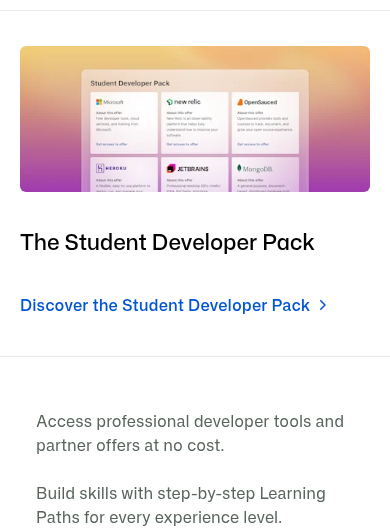
The GitHub Student Developer Pack gives verified students free access to professional developer tools that normally cost money: GitHub Copilot Student, a free GitHub Pro account, a free .me domain for a year, Heroku credits of $13 a month for 24 months, Microsoft Azure with no credit card, MongoDB Atlas credits, three months of DataCamp and more. If you are 13 or older and enrolled in a degree or diploma course, you can apply free.
Who can apply
- Students aged 13 or older
- Enrolled in a degree or diploma-granting course of study
- You need a school-issued email address and/or official, dated proof of enrollment
- A free GitHub account
What you get (checked 19 October 2026)
- GitHub Copilot Student: free for verified students - unlimited code completions plus an allowance of GitHub AI Credits, with limited chat and agent usage
- Free GitHub Pro account for verified learners
- Name.com: 1 year free .me domain registration + 1 SSL certificate free for 1 year
- Heroku: $13/month credit for 24 months
- Microsoft Azure: cloud services and learning resources with no credit card required (separate 13-17 age offer too)
- MongoDB Atlas credits plus MongoDB University access, including a free certification valued at $150
- DataCamp: 3 months free with your GitHub student account
- Dozens more partner offers on the pack page - the list changes over time
How to apply: step by step
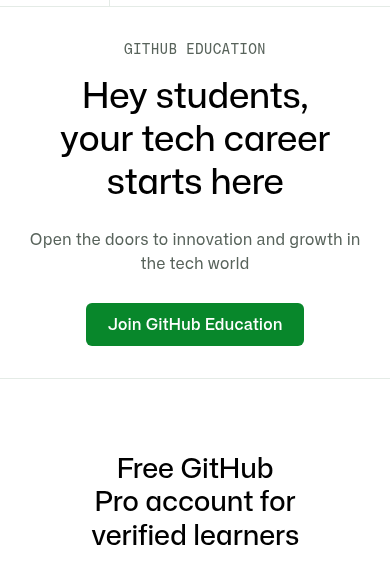
- Create a free GitHub account (or sign in to your existing one).
- Add your school-issued email to your GitHub account if you have one - it speeds up verification. Otherwise keep an official, dated proof of enrollment ready (student ID, enrollment letter or fee receipt with a date).
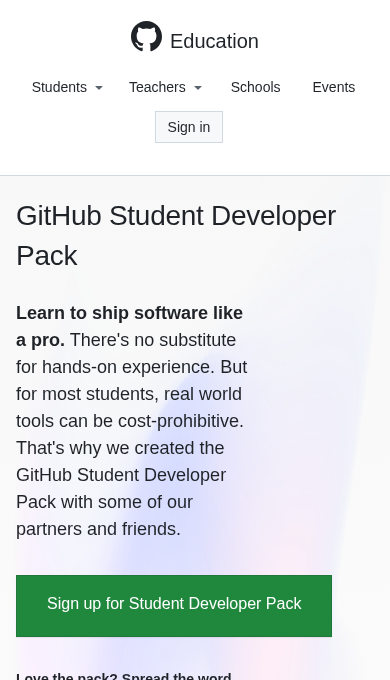
- Open education.github.com/pack and tap "Sign up for Student Developer Pack".
- Fill the application with your school details and upload proof if asked. GitHub reviews applications - approval can take a few days, and you may be asked to re-verify yearly.
- Once approved, open the pack page again and activate each offer (Copilot Student, domain, Heroku, Azure and others) from its card.
Watch: apply step by step
- English: How to get GitHub Student Developer Pack FREE [2026 New Method] - Cobby Universe, February 2026. Walks through the application and activating Copilot.
- Malayalam: we could not find a reliable Malayalam video covering the current application. The official pages below are the source of truth.
These videos are by independent creators, not GitHub - always cross-check details on the official pages linked below. Offer details above are from the GitHub Education students page and the Student Developer Pack page, checked 19 October 2026. Partner offers can change or end; each partner's own terms apply.
Sources: GitHub Education - Students, GitHub Student Developer Pack. Checked 19 October 2026. This is an AiCoN explainer, not affiliated with GitHub.