Folding@home: donate your computer's idle power to science
Folding@home uses your computer's idle power to run protein simulations for research. Its homepage says "Free. Safe. Easy." and no account is needed to start.
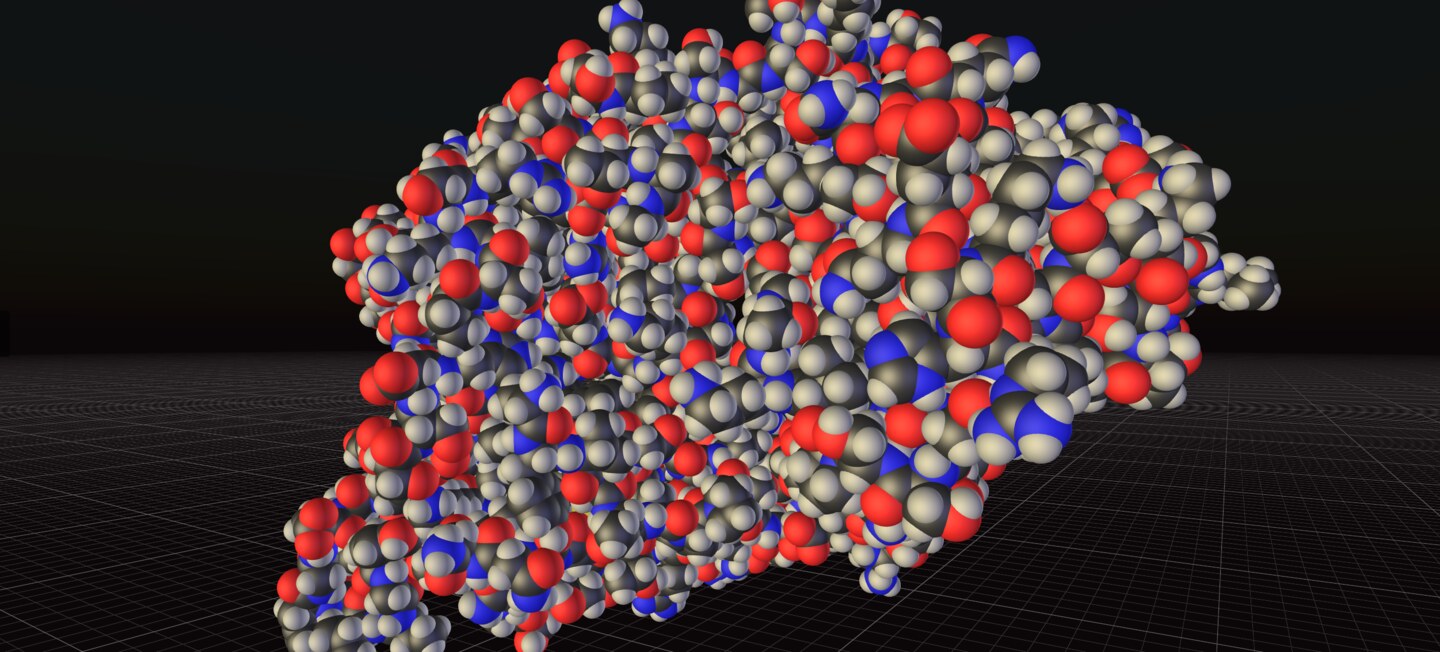
Official publisher artwork hosted by its publisher. Official source. Independent guide, not affiliated or sponsored. Artwork and trademarks belong to their owners.
What it is
Folding@home is a research project that uses the spare power of your computer to run protein simulations. Its homepage says it "turns your computer's idle power into a global supercomputer for biomedical research". Its FAQ says it is a distributed-computing project that simulates how proteins move: volunteers install a small client, and while the machine is otherwise idle it runs short pieces of simulation and reports the results back to the research servers. It is not an AI tool, and it does not give you medical advice. We included it as a free way to contribute to science without doing any tasks yourself.
Is it free?
Yes, per the project. The homepage says "Free. Safe. Easy." The Getting started FAQ says the client is free and takes a few minutes to set up. We saw no paid plan. It does use your electricity and computer time, which is a cost on your side, not a fee to Folding@home.
How it works
- Download, install, fold. The homepage lists three steps: pick Windows, macOS or Linux, run the installer, then your computer downloads a small piece of a real simulation, runs it in the background and returns the result.
- No account needed to start. The homepage says no account is required to start. The FAQ says you pick a public username for the leaderboards, and a team number and passkey are optional.
- It runs in the background. The FAQ says folding uses idle cycles by default and you can pause or resume it from the client's browser control panel, and change the CPU and GPU split.
What to watch out for
- It uses your computer. It runs simulations on your CPU and GPU. The FAQ says you can pause it. We did not measure power use, heat or battery impact, and we did not run it.
- Installer permissions. The FAQ says Windows SmartScreen or macOS Gatekeeper may prompt you, and macOS asks for an administrator name and password to install.
- Public username. Whatever name you choose appears on public stats leaderboards, per the FAQ. Pick one that does not identify you.
- Research claims. The site says its work helped on cancer, COVID-19, Alzheimer's and Ebola research. Those are the project's own statements. We did not check the papers.
Privacy and data
- The FAQ says Folding@home is a nonprofit research project that does not sell the data and does not make money from it.
- An optional Folding@home account needs an email and a passphrase, per the FAQ.
- The homepage loads Google Tag Manager, as we saw in its page code. We did not find a privacy policy page we could read.
India
- We found no region limit on the pages we read, and no rupee price is involved. It uses your own electricity, so your power bill is the only cost.
Frequently asked questions
Is Folding@home free?
Yes, per its homepage: "Free. Safe. Easy." It does use your computer's power.
Do I need an account?
No, per the homepage. An account is optional.
Does it slow my computer down?
The FAQ says it uses idle cycles by default and can be paused. We did not test the effect.
Sources: Folding@home, Getting started, How it works, Download. Checked 17 October 2026.
Independent guide, not affiliated.