Filee: free offline file converter you drag files onto (not tested)
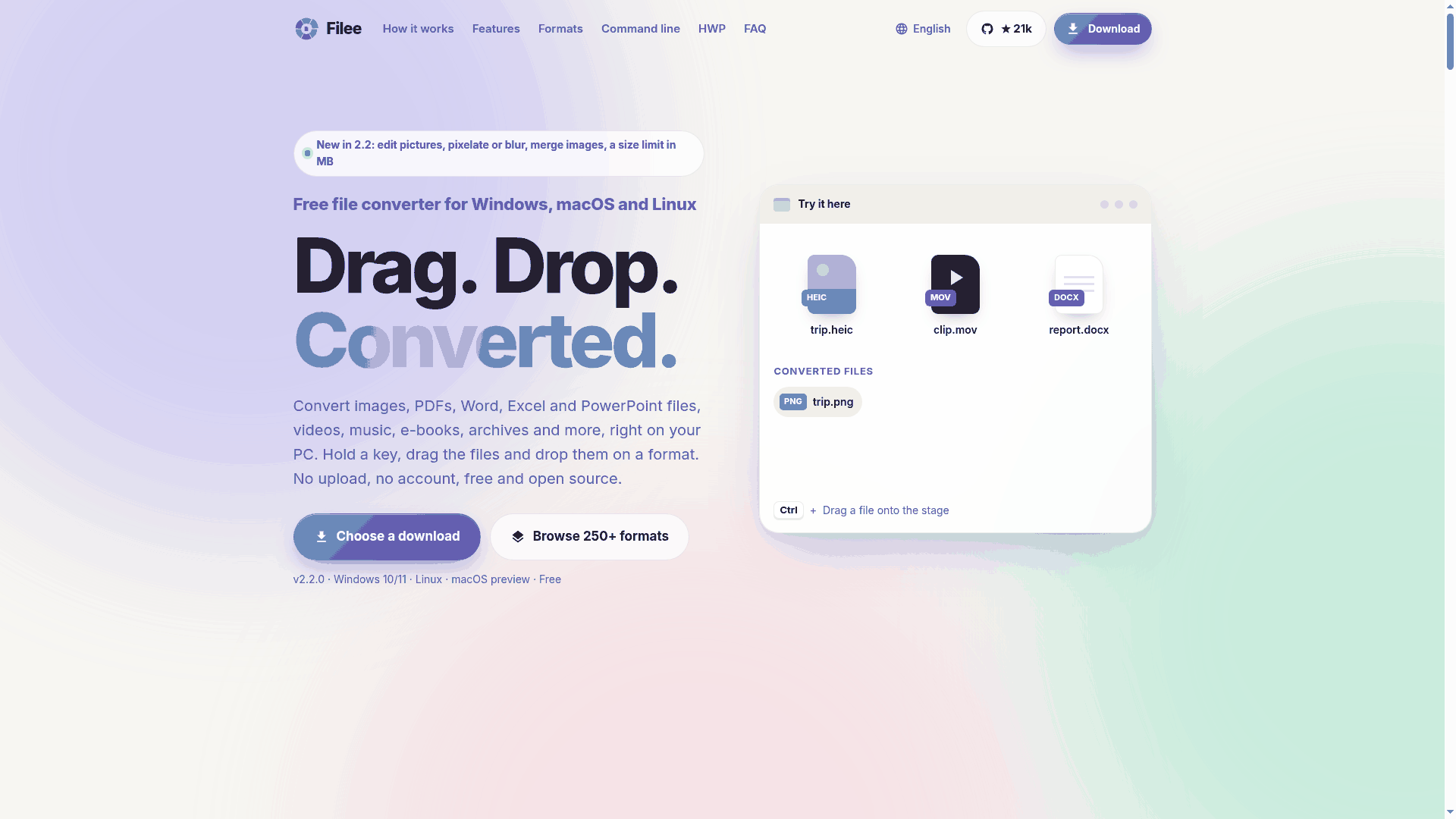
Filee is a free, open-source file converter for Windows, Linux and macOS. You hold a key, drag a file, and drop it on a format in a wheel at your cursor. It says it works offline and uploads nothing. AiCoN has not installed or tried it.
Is it free?
Yes, according to the project. The GitHub page lists the MIT licence. The site says: "no ads, no watermarks, no account, no trial and no file-count or file-size limits of its own". Donations are optional.
What it does
- Hold Ctrl (Option on macOS), drag files, and drop them on a format in the wheel. Only formats that fit your files appear.
- The README says about 270 formats: images, PDF, Word, Excel, PowerPoint, e-books, video, audio, archives, fonts and more. The website says "250+". Some conversions download extra tools (engines) the first time you use them.
- It also has a drop window, a right-click menu on Windows and a
fileecommand-line tool.
Privacy: offline, with two internet uses
The privacy section says Filee converts files on your computer, never uploads them, and sends no telemetry. It connects to the internet to check GitHub for new versions (you can turn this off in Settings, About) and to download the conversion engines you choose.
Install on Windows 10 or 11
- Download from the official releases page. Version 2.2.0 came out on 28 October 2026. Run
Filee-2.2.0-win-Setup.exe(about 133 MB), or unzip the portable zip and runFilee.exe. - The README also shows a Microsoft Store badge.
- SmartScreen: the README says Windows releases after 2.0.0 are signed with an open-source code-signing certificate, but SmartScreen can still warn about a new release. If it does, check that you downloaded from the official GitHub page, then use "More info" and "Run anyway".
Install on Fedora (and other Linux)
- There is no rpm, Flatpak or dnf package listed. The official route is the release archive: download
Filee-2.2.0-linux-x64.tar.gz(about 129 MB; there is also an ARM64 file) from the releases page. - Unpack it and run
./install.sh. The README says it needs no root and needs Python 3. Do not run it with sudo. - Drag gestures: the README says they need X11. Fedora's default desktop uses Wayland. A separate Filee document describes an experimental GNOME Shell extension for Wayland, tested by the author on Fedora 44 with GNOME Shell 50. On a GNOME session,
install.shadds it, and you then turn it on in the Extensions app (log out and in if it does not show). Without it, use the drop window or the file manager's right-click menu. - The README does not document an uninstall step.
macOS
The macOS build is marked a preview. It is not notarized, so the first start needs System Settings, Privacy and Security, Open Anyway.
Caveats
- Young project. The GitHub repository was created on 29 September 2026. Version 2.2.0 is six days old at the time of writing. The page showed about 21,000 stars, which shows interest, not that it is safe or bug-free.
- It is one developer's project. Expect rough edges and check your converted files before you delete the originals.
- Some formats need optional engines that download on first use.
If you want older, packaged options
- VERT (vert.sh): a converter that runs in your browser. Its README says conversion happens on your device with WebAssembly, covers images, audio, documents and video, and lists 250+ formats. Its footnote says some video conversion may need server-side processing on the official site. AGPL-3.0 licence.
- Converseen (converseen.fasterland.net): a free batch image converter under GPL v3 for Windows, Linux, macOS and FreeBSD. It uses ImageMagick and handles more than 100 image formats, and can turn a PDF into images. Images only.
- HandBrake (handbrake.fr): free, open-source video converter for Windows, Mac and Linux. Video only. See our earlier HandBrake guide.
Frequently asked questions
Is Filee free?
The project says yes: MIT licence, no ads, no account, no trial.
Does it upload my files?
Its privacy section says no. It only contacts GitHub for update checks and downloads engines you pick.
Does it work on Fedora?
There is a Linux archive with an install script. Drag gestures need X11, or the experimental GNOME extension on Wayland. We did not test it.
Is it AI?
No. It is a file converter. We included it as a free tool from an official source.
Sources: Filee website · Filee on GitHub · Releases · GNOME Wayland note · VERT on GitHub · Converseen · HandBrake. Checked 3 November 2026. Independent guide, not affiliated with any of these projects. No referral links.
Logo: Filee app icon from the project's GitHub repository (MIT licensed project). Screenshot: official filee.sh homepage, colours reduced.