
Ente Bhoomi: Kerala's land tax, records, location sketch and e-BTR on one official portal
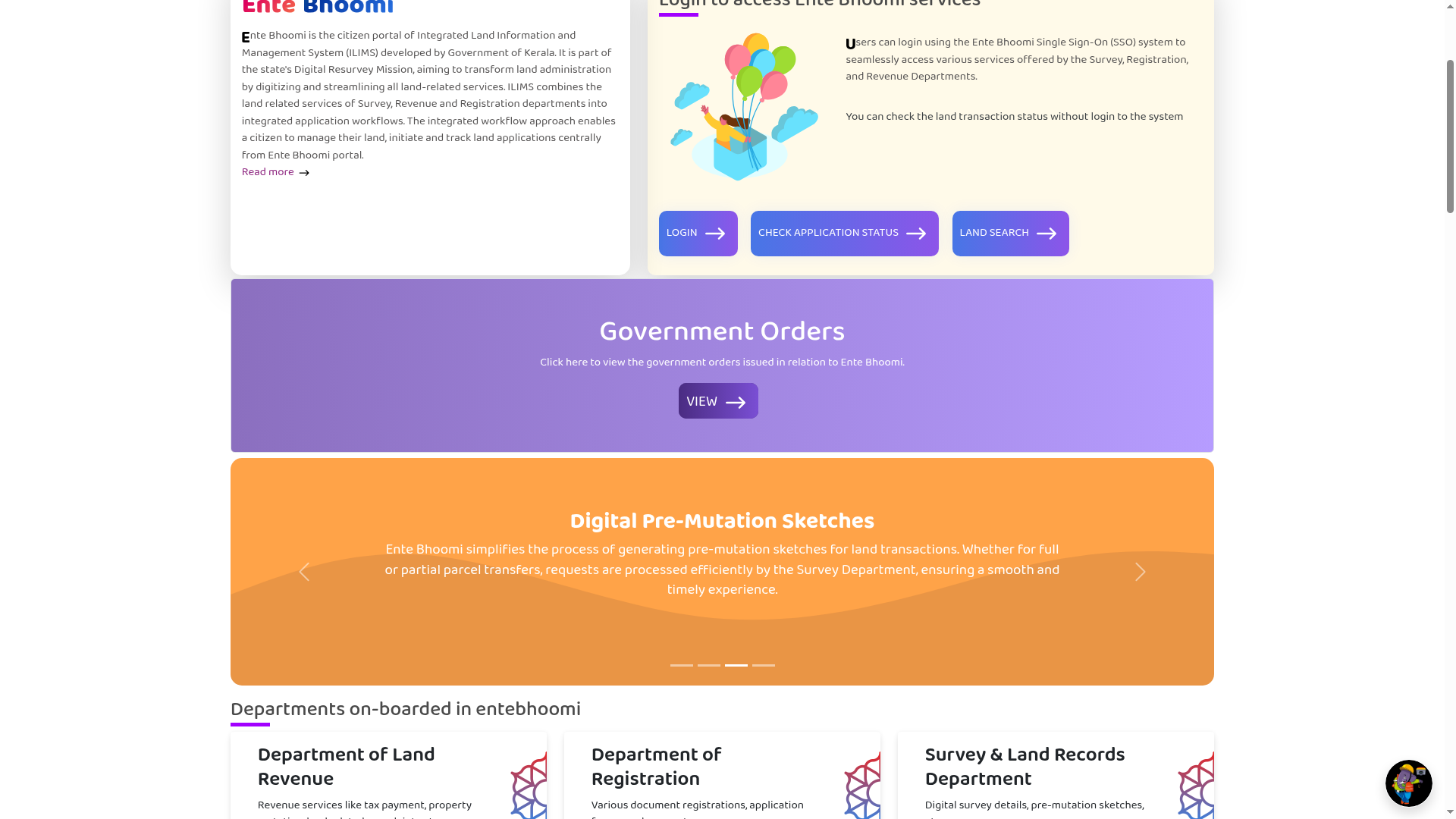
Ente Bhoomi (entebhoomi.kerala.gov.in) is the Kerala government's citizen portal for land services, built as part of the state's Digital Resurvey Mission. It brings the land-related services of three departments, Survey, Revenue and Registration, behind one login. You can pay land tax, search digitally surveyed land records, request a pre-mutation sketch for a transfer, a location sketch and an e-BTR online. One important caveat: services are live only for villages where the digital survey is completed or ongoing, and some services need the village to be fully published.
At a glance
- What: Ente Bhoomi, the citizen portal of Kerala's Integrated Land Information and Management System (ILIMS), part of the Digital Resurvey Mission
- Who: landowners and residents in Kerala, especially in villages covered by the digital resurvey
- Key services: online land tax payment, land search, pre-mutation sketch request, location sketch application, e-BTR (Basic Tax Register) application
- Login: a single sign-on for citizen services; the portal also mentions login with Janparichay. Application status can be checked without logging in
- Availability: only for villages where the digital survey is completed or ongoing; the portal listed 13 published villages when we checked on 26 October 2026
- Languages: Malayalam and English
- Where: entebhoomi.kerala.gov.in (official Kerala government domain)
What you can do on Ente Bhoomi
From the service dashboard on the official portal, checked 26 October 2026:
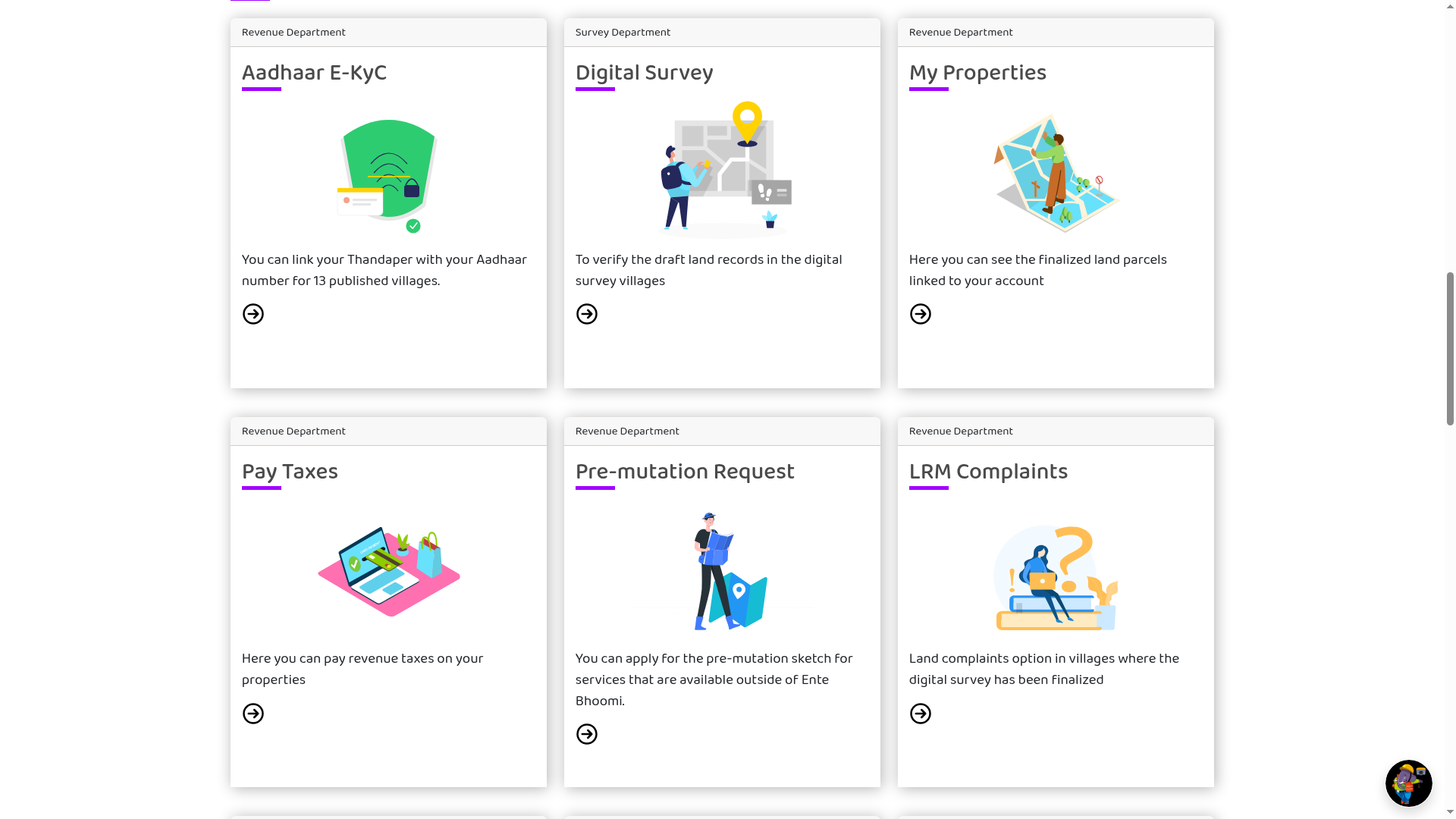
- Pay land tax: pay your bhoonikuthi (land tax) online from the portal. The guideline notes this is for land owned by the registered user, and that when paying tax for the first time after the digital survey is completed, survey charges must also be paid along with the land tax.
- Land search and My Properties: the home page has a Land Search button, and after login the My Properties card shows the finalised land parcels linked to your account. We did not test the search, so check what it returns for your village on the portal.
- Pre-mutation request: the dashboard card says you can apply for the pre-mutation sketch for services that are available outside Ente Bhoomi. This is a sketch request, not the transfer application itself.
- Apply for a location sketch: request a sketch that officially records the geographical position of your land; the guideline says the sketch is officially issued through the Village Office.
- Apply for e-BTR: apply for the electronic Basic Tax Register extract for your properties.
- Co-relation correction: one of the portal's guidelines covers a co-relation correction application, for cases such as an old survey number recorded wrongly in the digital survey.
- Track without login: the portal states that land transaction status can be checked without logging in.
The survey side: records, maps and village lists
A companion sub-portal at survey.entebhoomi.kerala.gov.in carries the survey department's citizen services: searching land details, a survey records gallery, survey statistics, the list of villages where the survey has started, and document purchase. Its land-details search is meant for villages in the first phase of the digital resurvey: owners can check whether their land details have entered the village records and report if something is missing.
Why the maps here are different
The portal highlights three pieces of newer infrastructure behind these services:
- Real-time land parcel maps (LPM): survey maps recorded with GNSS technology, with a stated positional accuracy of 3 to 5 centimetres.
- Digital pre-mutation sketches: for full or partial property transfers, sketches prepared through the survey department's services, making the transfer process more transparent and accurate.
- Template-based registration: the portal generates digital stamp papers and auto-populated documents for land registration, which is meant to save time in the registration process.
How to get started
Checked on the portal and its official citizen guideline on 26 October 2026. We did not complete a registration ourselves; steps follow the portal's own published guidelines.
- Open entebhoomi.kerala.gov.in. Check the address bar: the official site is on the kerala.gov.in domain. Lookalike sites can copy names and logos.
- Check whether your village is covered. The portal links a list of published villages, and the survey sub-portal lists villages where the survey has started. Services are limited to digitally surveyed villages, and some need the village to be fully published.
- Register as a citizen. As per the portal's official guideline, landowners register with the mobile number that was linked to their land and OTP-verified during the digital survey. If OTP verification was not done at survey time, that number is unavailable or was recorded incorrectly, or it was never linked, the guideline says to register with the mobile number linked to your Aadhaar card instead.
- Log in through the single sign-on and open the service you need: tax payment, My Properties, pre-mutation sketch, location sketch or e-BTR.
- Track your application status from the portal, which the site says works without logging in.
Keep these limits in mind
- Coverage is the big one: if your village's digital survey is not finished, most citizen services will not work for your land yet. The mission is rolling out village by village.
- We did not verify service fees on this check. Where a service carries a fee, the portal shows it during the application; confirm the amount there before paying.
- For anything disputed or legally significant, the online record is a starting point. Certified copies and legal verification still go through the village or registration office processes the portal links to.
Official guideline PDFs
These guidelines are published by the portal in Malayalam. We read them on 26 October 2026 and used them for the steps above.
- Integrated portal guideline: how a landowner registers, with the mobile number OTP-verified during the digital survey, or the Aadhaar-linked mobile number as the fallback.
- Land tax payment guideline: tax is paid for land owned by the registered user, and the first payment after the digital survey includes survey charges.
- Location sketch guideline: only your own properties listed under My Properties can be selected; the sketch is issued through the Village Office.
- Co-relation correction guideline
- View My Properties guideline: shows properties linked to your login mobile number or Aadhaar, in villages where the digital survey is complete.
Frequently asked questions
Is Ente Bhoomi an official government site? Yes. It runs on the Kerala government's own domain (kerala.gov.in) and describes itself as the citizen portal of the state's Integrated Land Information and Management System.
Can I use it if my village is not digitally surveyed yet? Only in a limited way. The portal says services are made available for villages where the digital survey is completed or ongoing, and some services are restricted to fully published villages.
Do I need an account to check my application status? No. The portal states that application status can be viewed without logging in.
Is the portal in English? Yes, it offers Malayalam and English.
Source: Ente Bhoomi portal and its official citizen guideline PDFs, and the Ente Bhoomi survey sub-portal. Checked on the live pages on 26 October 2026. This is an AiCoN explainer, not a Kerala government publication.