
e-Jagriti: how to file a consumer complaint online, step by step
e-Jagriti is the Department of Consumer Affairs' online platform for consumer cases. Its own help documents show how to register, file a Consumer Complaint at a District, State or National Commission, and pay the fee online. Here is that flow in plain steps, and what we could not confirm.
Step 1: register
From the e-Jagriti help document on onboarding (NIC, March 2025):
- Open e-jagriti.gov.in and click "Login / Sign Up", then "Register" if you are new.
- Enter mobile number, email, full name and a password, pick your role and enter the captcha.
- Enter the 6-digit OTP sent to your mobile and email.
- Add your personal and address details.
- Upload an identity proof, such as Aadhaar, PAN or driving licence, and submit.
- Log in with email or mobile and password, or with an OTP. The dashboard shows your filed, disposed and pending cases.
Step 2: file the complaint
From the Consumer Complaint filing help document:
- On the dashboard choose "File New Case", then "Consumer Complaint". The portal shows the list of required documents and the applicable fee structure.
- In Case Details, enter the amount paid for the service, the claim amount, the date of the cause of action, state, district, and case category and subcategory.
- Enter complainant details. You can mark senior citizen, widow, differently abled or serious ailment where it applies. Add your advocate if you have one, and the opposite party's details.
- Add any additional complainants, proforma complainants or additional opposite parties.
- Upload the documents the guide lists: index, proforma, synopsis, memo of parties, notarized affidavit and vakalatnama, then annexures with titles.
- Choose the commission, tick the declaration, preview, and use Edit to fix anything.
- Final Submit. The guide warns you cannot edit after this. A reference number is generated and the case goes to the commission.
Step 3: pay the fee online
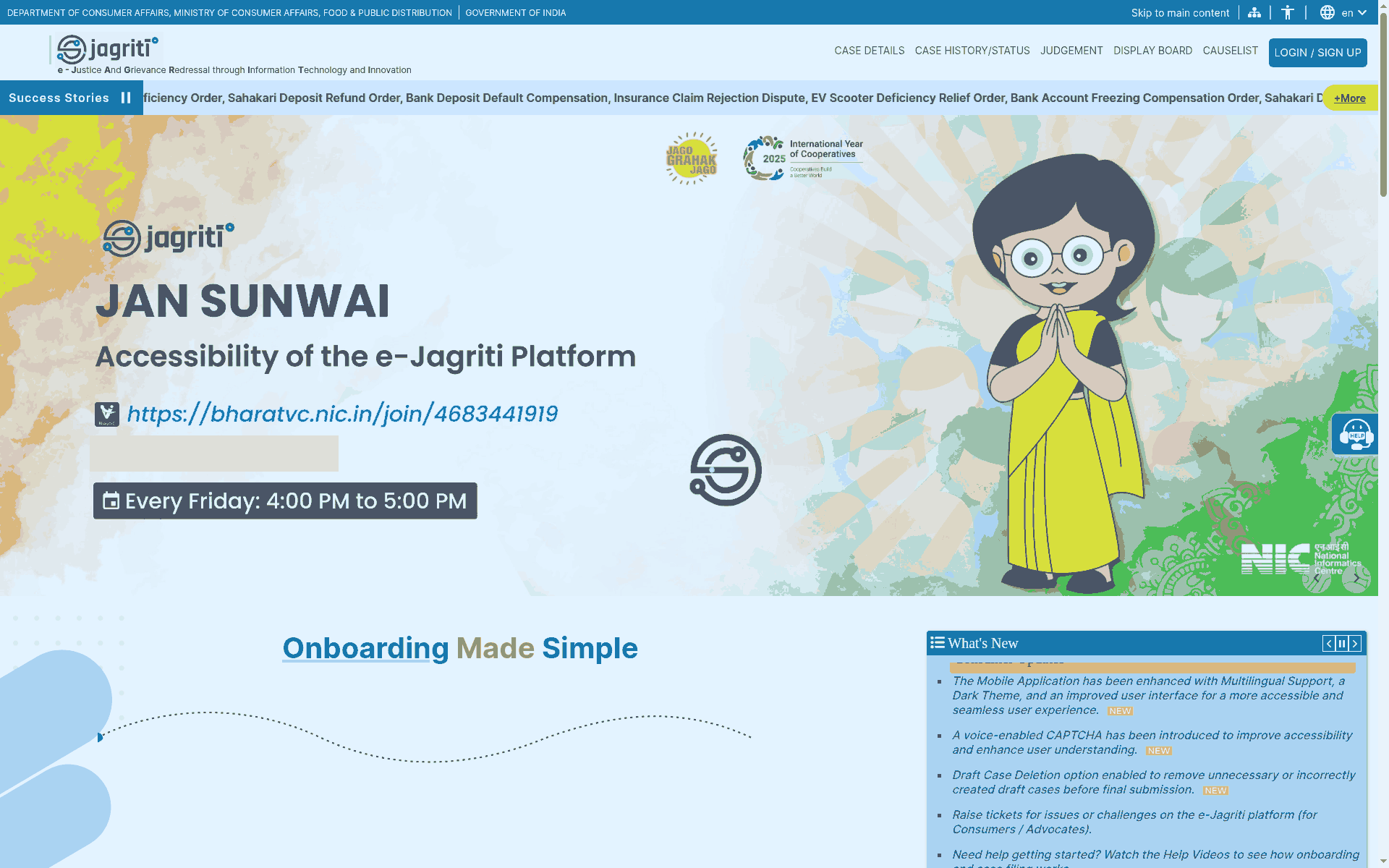
The payment help document says: open "Payment history" on the dashboard, find your reference number and click Pay, review the case details, then choose a payment method. It names Bharatkosh, Razorpay and PayGov, and says any Indian credit or debit card, UPI or net banking works. After paying you can view or download a receipt with the transaction ID and case number. The home page also notes an offline payment option on the dashboard until a commission joins the payment gateway.
What we did not check
We did not register, log in, file a case or pay anything. We did not read the fee table, which the portal shows only inside the filing flow, so this guide gives no fee amount and no time limit for filing. The help documents are dated March 2025, so screens and document lists can differ now. If your claim is large or complicated, a lawyer or a consumer helpline can tell you whether this route fits. We have a separate guide to the National Consumer Helpline's pre-litigation route.
Frequently asked questions
Does e-Jagriti replace e-Daakhil?
We did not confirm that from an official source, so we do not claim it. The Department of Consumer Affairs portal at e-jagriti.gov.in is the one that carries these help documents.
Do I need a lawyer?
The filing guide has a step to add an advocate "from the list" and another for your own details. We did not check whether a lawyer is required.
Where do I get help?
The portal lists help videos, help documents, FAQs and a ticket option for problems on the platform.
Sources: e-Jagriti home page · e-Jagriti Help Documents (onboarding, consumer complaint filing, payment flow). Checked 2 November 2026. Explainer by AiCoN - not a government publication. Details can change; check the portal before you file.