
Driving licence renewal on Sarathi: steps, forms and what happens if it expired
You can start a driving licence renewal online on the Ministry of Road Transport and Highways' Sarathi portal. The ministry's own pages say when to apply, which forms you need and what changes if your licence has been expired for more than a year. This guide sums them up and notes what depends on your state.
When to apply
The Sarathi FAQ says that under the latest Central Motor Vehicles Act amendment, renewal can be done within one year before or after the expiry date. The mParivahan renewal page says an application is accepted not more than one year before expiry.
Steps
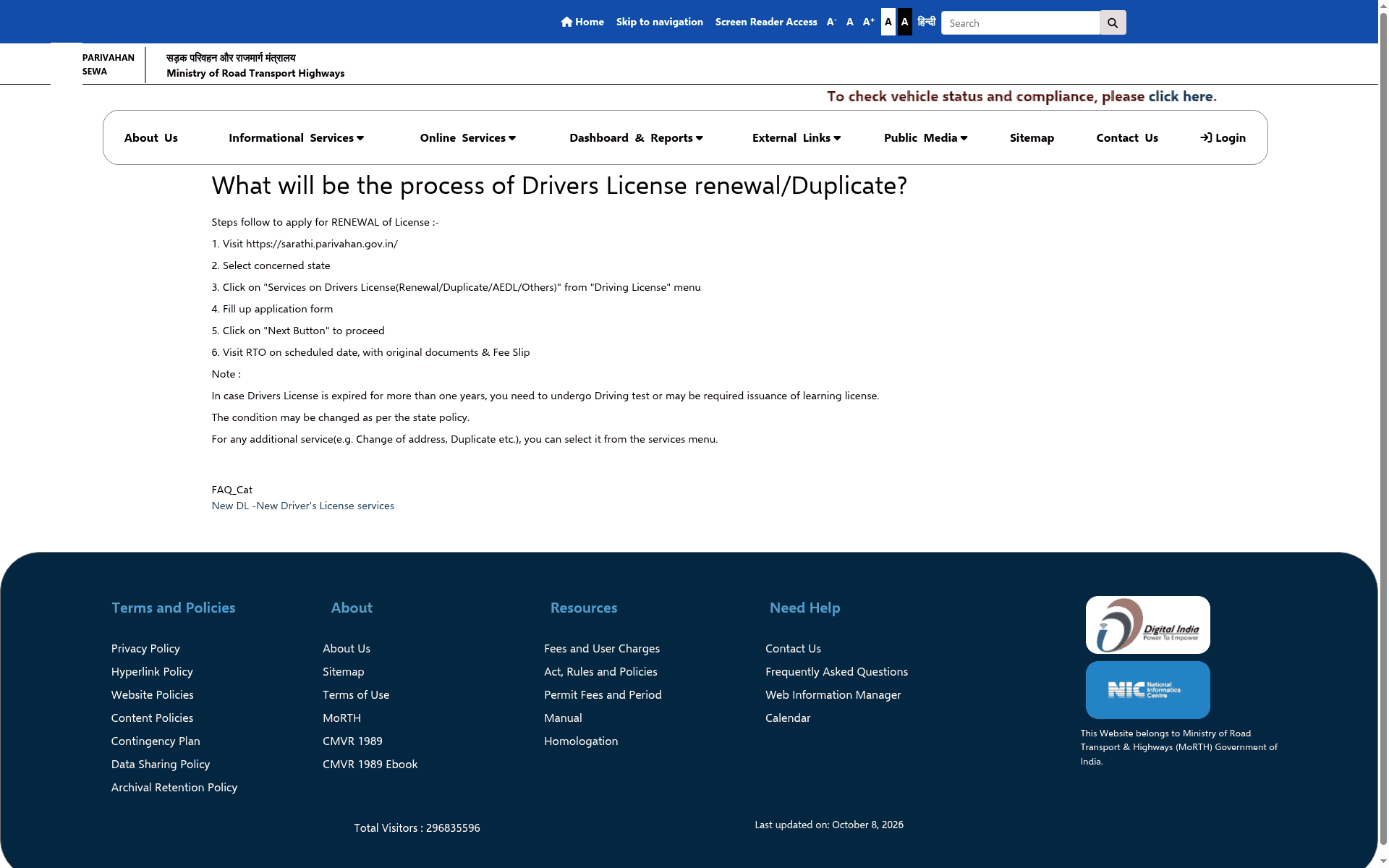
From the Parivahan Sewa FAQ and the Sarathi FAQ:
- Open sarathi.parivahan.gov.in and select your state.
- From the Driving Licence menu choose "Services on Driving Licence" (Renewal, Duplicate and others). The FAQ says to enter your licence number and date of birth and click "Get DL Details", then pick the service.
- Fill in the application form and click Next.
- Pay the fee from the Fee/Payments menu on the portal. The FAQ says to always pay there.
- Visit the RTO on the scheduled date with original documents and the fee slip.
What you need
The mParivahan renewal page lists: your driving licence, Form 2 (the application), Form 1 (self declaration of physical fitness for non-transport vehicles) and Form 1A (a medical certificate from a registered medical practitioner, for transport vehicles and for applicants above 40), plus the prescribed fees and user charges. Documents must be uploaded as jpeg, jpg or pdf, no larger than 300 KB, with no spaces or special characters in the file name, says the FAQ.
If your licence expired more than a year ago
The Parivahan Sewa page says you need to undergo a driving test, or may be required to get a learner licence again, and that the condition may change as per state policy. The Sarathi FAQ says to apply for renewal with retest or revalidation, with a valid learner licence required as per state customisation.
Good to know from the FAQ
- You can renew in another state or RTO by applying to the RTO where your present address is. That application should include a change of address, and the FAQ says no NOC is needed if your licence data is in the Sarathi database.
- If your licence number is not found, contact the RTO with your smart card licence so it can enter your record, then apply online.
- The payment gets deposited in the government treasury and the FAQ says there is no automatic refund. If money was debited and the payment failed, ask your bank. Check status under Fee/Payments, ePayment, Verify Pay Status.
- Appointment slots are issued only by the RTO or state.
What we did not check
We did not open the Kerala Sarathi pages, log in, apply or pay anything. We have not confirmed Kerala's fee amount, whether a medical form or an RTO visit is needed in every Kerala case, or how Kerala treats an expired licence, because the pages above say state policy and RTO practice can differ. Check the Kerala option on Sarathi or ask your RTO before you go.
Frequently asked questions
How early can I renew?
Up to one year before the expiry date, says the mParivahan page.
What if I miss the date?
Within one year after expiry the FAQ still allows renewal. After that you apply for renewal with a retest or revalidation.
What is the fee?
We have not confirmed it for Kerala. The portal shows it under Fee/Payments.
Sources: Parivahan Sewa: process of licence renewal and duplicate · Sarathi FAQ on services on driving licence · mParivahan: renewal of DL · Sarathi portal. Checked 2 November 2026. Explainer by AiCoN - not a government publication. Details can change; check the portal before you apply.