
Doory: a free open-source design editor in your browser
Doory is a new, free, open-source design editor that runs in the browser. Its README says no paid plan, no ads, and no account needed to start. It is a young project.
Official publisher artwork hosted by its publisher. Official source. Independent guide, not affiliated or sponsored. Artwork and trademarks belong to their owners.
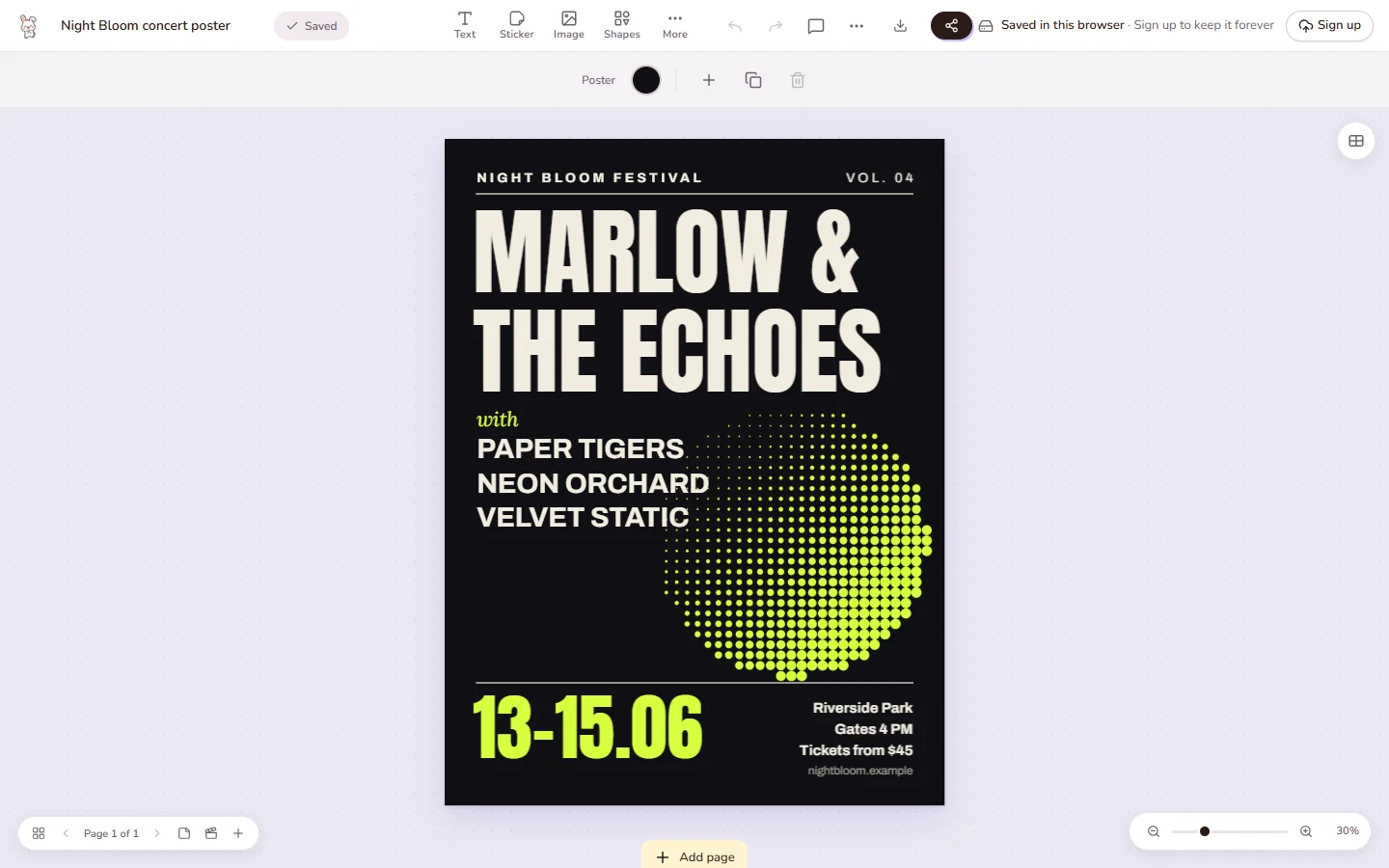
Official app screenshot
What it is
Doory is a free, open-source design editor that runs in your browser. Its README says you can make posters, social posts, stories, slides, invitations, resumes, thumbnails and business cards, starting from a template or a blank page. The README calls it "a young project". It was made by one developer, Siam (shaongitbd on GitHub), and the repository was created on 10 October 2026. It is not an AI tool. We included it as a new free design option to try, not as a proven replacement for Canva.
Is it free?
Yes, per the README: "Doory has no paid plan, no locked features and no ads." The site's description says "A free, open-source design platform. No sign-up to start." There is no price, so no rupee conversion is needed.
What it can do
- Design. Text effects, shapes, about 27,500 icons, QR codes, layers, masks and filters, per the README.
- Photos. Background removal that runs in the browser, per the README.
- Motion. Animations, page transitions, music loops and sound effects, plus a present mode.
- Export. PNG, JPG, SVG, PDF (with bleed and crop marks for print), MP4, WebM and GIF.
- Share. Share links, comments, version history and real-time co-editing, and brand kits (the README says these need an account).
- Self-host. You can run it on your own server with Docker, per the README.
What to watch out for
- Small template library. The README says there are only ten starter templates.
- Young project. The README says so itself. Expect rough edges. Bug reports are welcome on its GitHub issues page.
- Licence. It uses the Attribution Assurance License, not a standard permissive one. The README says commercial use is allowed, but anyone running the app must show credit to the author in the running app. This matters if you plan to host it for others.
- Not tested. We did not open the editor or export anything.
Privacy and data
- The README says guests can design straight away and their work is saved in the browser on that device.
- It says signed-in designs are stored on the server that runs Doory, which is yours if you self-host.
- We did not find a privacy policy for the hosted site at doory.art. Check before uploading personal or client images.
- An account is only needed to keep designs in the cloud, share them and use brand kits, per the README.
India
- It is a web app and free, so it should open in India. We did not test the hosted site from India.
Frequently asked questions
Is Doory free?
Yes, per the README: no paid plan, no locked features, no ads.
Do I need an account?
No to start, per the README. An account is for cloud saving, sharing and brand kits.
Can I use it for business?
The README says yes, as long as you credit the author as the licence asks.
Sources: Doory README, doory.art. Checked 17 October 2026.
Independent guide, not affiliated.
Scoped recheck 23 October 2026: GitHub README, LICENSE and hosted site re-read. The 'no paid plan, no locked features and no ads' line, the ten starter templates, the Attribution Assurance License with its in-app credit requirement, the export list (PNG, JPG, SVG, PDF with bleed and crop marks, MP4, WebM, GIF), guest saves in the browser and Docker self-hosting all still match; the repository was created 10 October 2026 and was updated today. The icon count is now about 27,500 (was 25,000) and has been corrected. The hosted site returned 200 for every path we tried, including made-up ones, so its /privacy route cannot be confirmed from outside; the caution about uploading personal images stands. Links checked.