CrystalDiskInfo: check your hard disk or SSD health on Windows
CrystalDiskInfo shows the health of your hard disk or SSD on Windows. The developer's download page offers the installer and ZIP editions free of charge (donations optional), and its license page shows the MIT License.
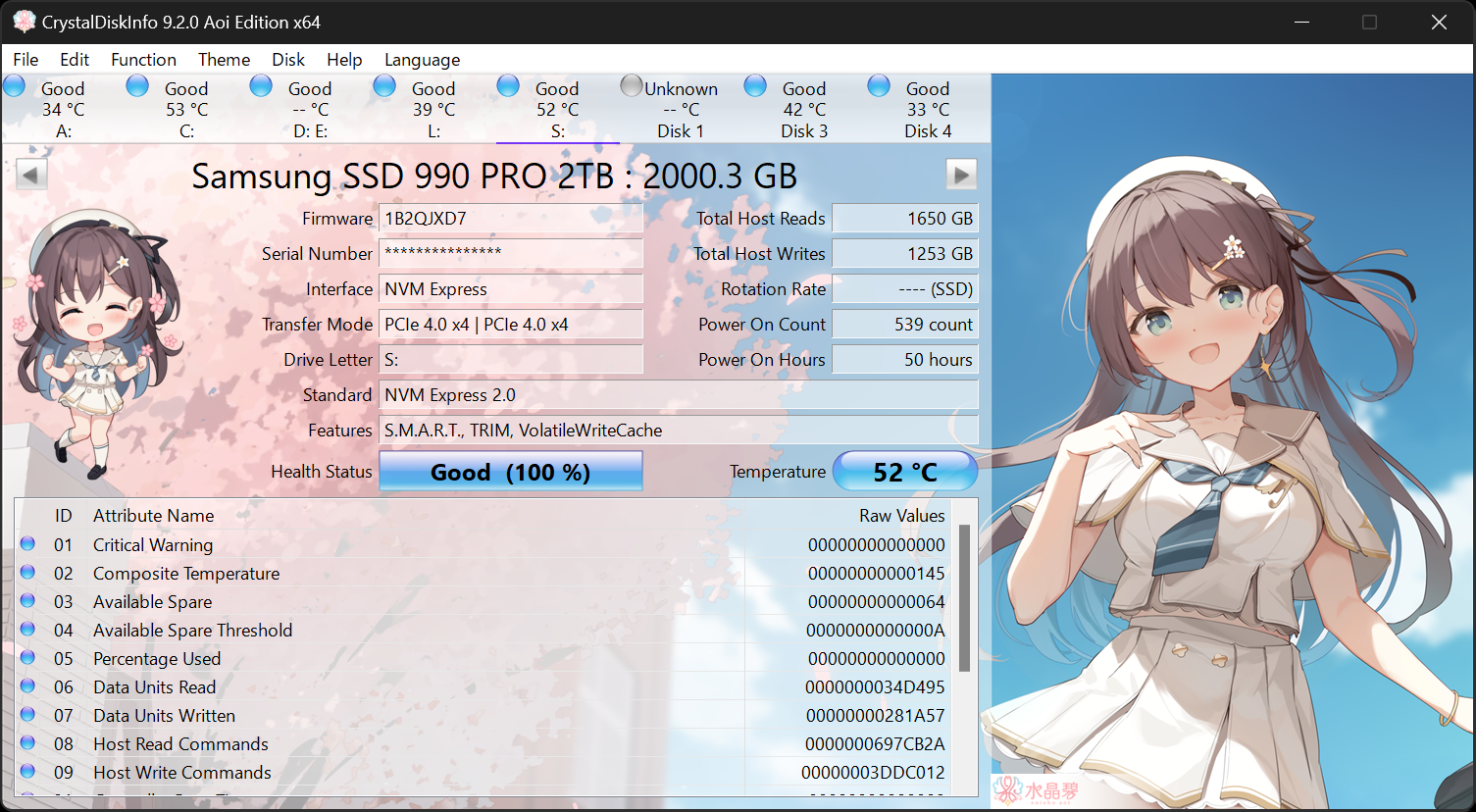
Official publisher artwork hosted by its publisher. Official source. Independent guide, not affiliated or sponsored. Artwork and trademarks belong to their owners.
What it is
CrystalDiskInfo shows the health of your computer's hard disk or SSD. Its product page calls it "a HDD/SSD utility software" and its download page calls it "a storage health monitoring software". The GitHub README describes it as "a disk information tool". It is not an AI tool.
Is it free?
No page we read uses a plain "free to download" line. What we did see: the project's own license page shows the MIT License, whose text grants permission "free of charge" to use, copy and modify the software. GitHub lists the same license. We saw no price, account or sign-up on the pages we read. We did not find an official statement about ads or bundled software.
What it covers, per the project
- The README lists PATA and SATA drives as supported. It says USB drives, NVMe drives and some RAID controllers are only partly supported.
- The product page lists Windows XP, Vista, 7, 8, 8.1, 10 and 11, plus several Windows Server versions, on x86, x64 and ARM64. It says NVMe support needs Windows 10 or later, and that email notifications need .NET Framework 4.8 or later.
- The site's front page showed version 9.9.3, dated 11 October 2026.
- We did not read the manual, so we do not describe the screens, the health labels or the alerts.
How to get it
- Open the project's CrystalDiskInfo page or its download page.
- The README says its GitHub repository does not include resource files, which come from the project's download link. So use the official site download, not a build from GitHub.
- We did not verify which file types the site offers for CrystalDiskInfo (installer or portable zip). Check the download page.
What to watch out for
- It reads your drive; it does not repair it. We did not read anything on the pages about fixing problems. If a tool shows a worry sign, our advice is to back up your files first. That advice is ours, not the project's.
- Partial support. USB and NVMe drives are only partly supported per the README, so a missing reading is possible.
- Windows only. We saw no Mac or Linux version.
- Third-party download sites. Our advice: use the official site only.
Privacy and data
- We did not find a privacy statement for the app on the pages we read, and we did not test what it sends.
- The product page mentions email notification features. We did not check how they work.
India
- We saw no region limit and no price. We did not test downloads from India.
Frequently asked questions
Is CrystalDiskInfo free?
The project's license is MIT, which grants use free of charge. No page we read says "free" in plain words.
Does it work on SSDs?
The product page calls it an HDD/SSD utility.
Does it fix a failing drive?
We saw no such claim. It shows information.
Sources: Product page, Download, License, GitHub. Checked 18 October 2026.
Independent guide, not affiliated.
Scoped recheck 23 October 2026: product page and GitHub re-read. Version 9.9.3 (11 October 2026) is still current; the MIT licence, the Windows XP-to-11 plus Server and ARM64 support list, the partial USB/NVMe/RAID support note, the Windows 10 requirement for NVMe and the .NET 4.8 requirement for email notifications all still match. The only official screenshot the project publishes (the Aoi edition) is already used as this article's card image, so no in-article image was added. Links checked.