Beamer: one mouse and keyboard for your Mac, Windows and Linux computers
Beamer is a free, open source app that lets you use one keyboard and mouse or trackpad across several computers on the same network, and copy on one to paste on another. We read the official site and the GitHub project and opened every download link on 30 October 2026. We did not install the app or pair machines, so features below are the developer's claims unless we say otherwise.
Watch: the developer's reel
The developer posted this short reel announcing Beamer 1.5, showing the pointer moving from a MacBook onto a Windows PC.
Watch the Beamer 1.5 reel by @kalkmancode on Instagram
Video by Kalkman Code (@kalkmancode) on Instagram, played from Instagram. AiCoN did not re-host it.
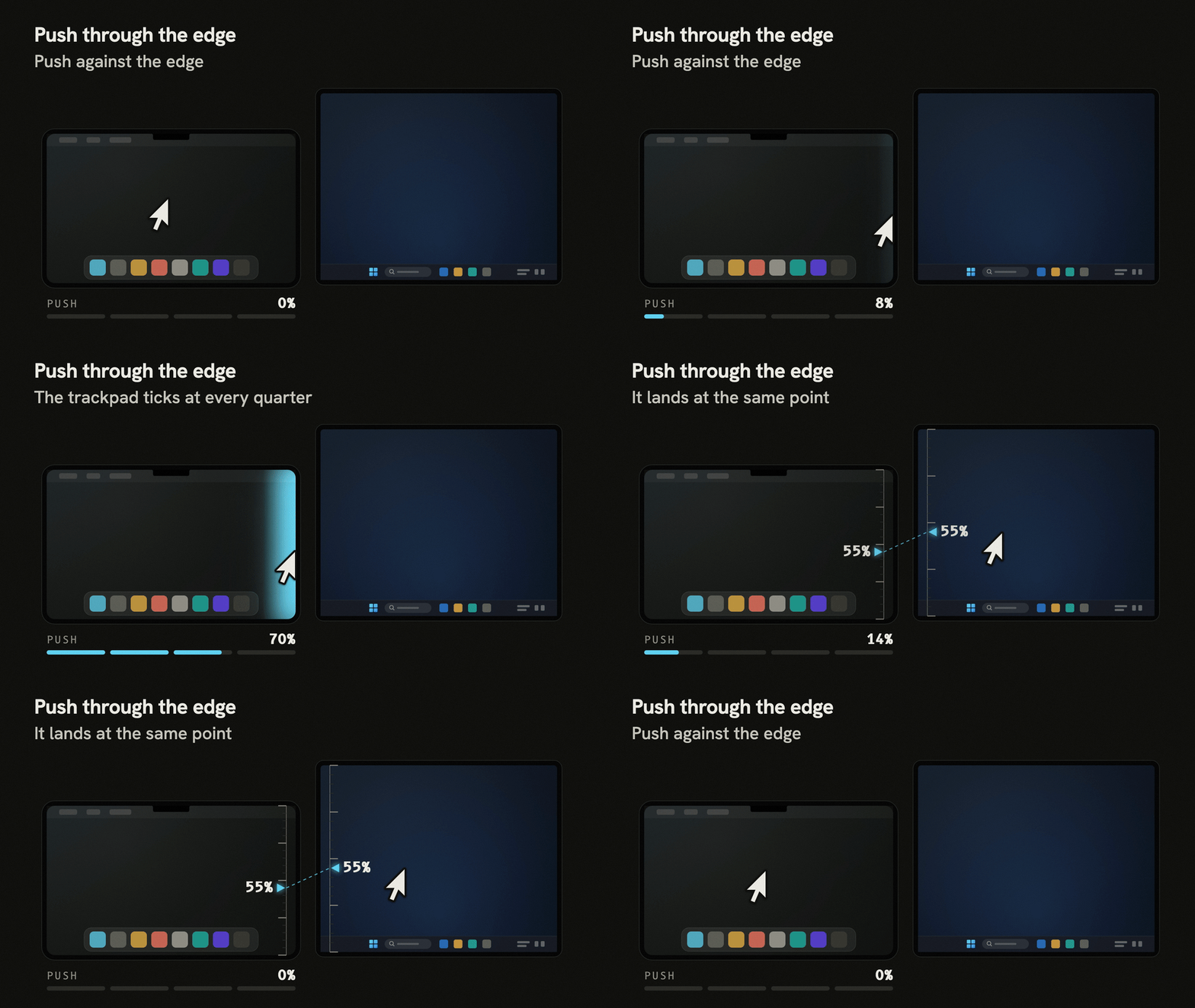
See it: push through the edge (official demo)
What it is
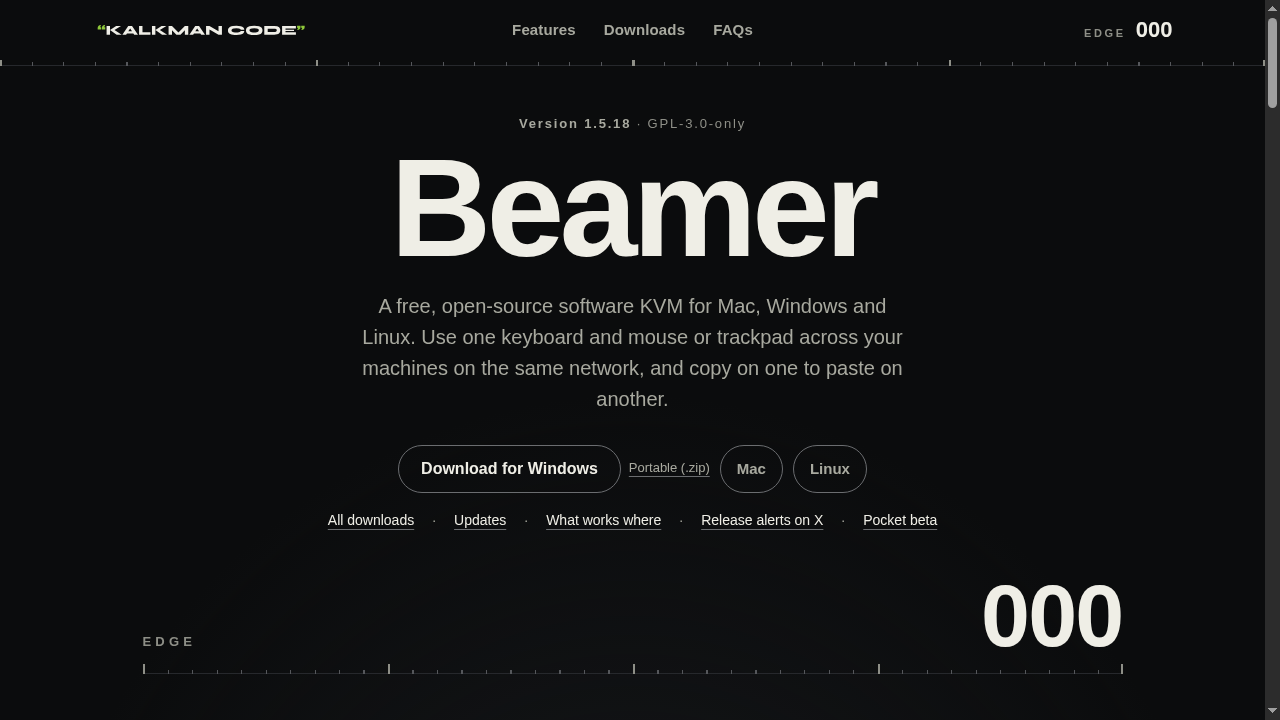
Beamer is a software KVM: instead of a hardware switch, one keyboard and mouse control every computer you pair, as if their screens were extra monitors. It is free and open source under GPL-3.0-only, with no account and no subscription. It is made by Kalkman Code, a one-developer studio in the UK. The project first appeared on GitHub in September 2026; the current version is 1.5.18, released 29 October 2026.
What it does, per the official site
- Push through the edge: press the pointer off the side of the screen facing the other machine and it carries on over there, at the same height. Or double-tap a trigger key (Right Option on the Mac, Right Ctrl on the PC; you can record another).
- Clipboard follows: copy on one machine, paste on another, including text and images. Files do not move.
- Shortcuts keep working: between a Mac and a PC, Cmd acts as Ctrl and Option as Alt on the other side, so Cmd+C copies there too.
- Media keys follow you to the machine you are driving, and Mac trackpad gestures can open Task View and switch virtual desktops on Windows.
- Up to 32 machines, paired directly with each other, Mac to Mac and PC to PC included.
- Keys that stay put: keep chosen keys or buttons, like the mouse back button, on the home machine.
What you need
- A Mac with Apple silicon or Intel, on macOS 13 or later.
- A 64-bit PC on Windows 10 or 11. Administrator permission is needed only to install or update.
- Linux: GNOME on Wayland or X11, as a Flatpak for 64-bit x86 and arm64. KDE Plasma is experimental and untested, per the site.
- All machines on the same local network.
Set it up, per the official guide
- Install Beamer on each machine. On the Mac, press the two Grant buttons (permissions), then Relaunch Beamer.
- Pair: on either machine choose Pair a machine, then Show a code. On the other, pick that machine from the list and type the six digit code.
- Cross: push the pointer through the edge, or press the trigger key.
Downloads, checked 30 October 2026
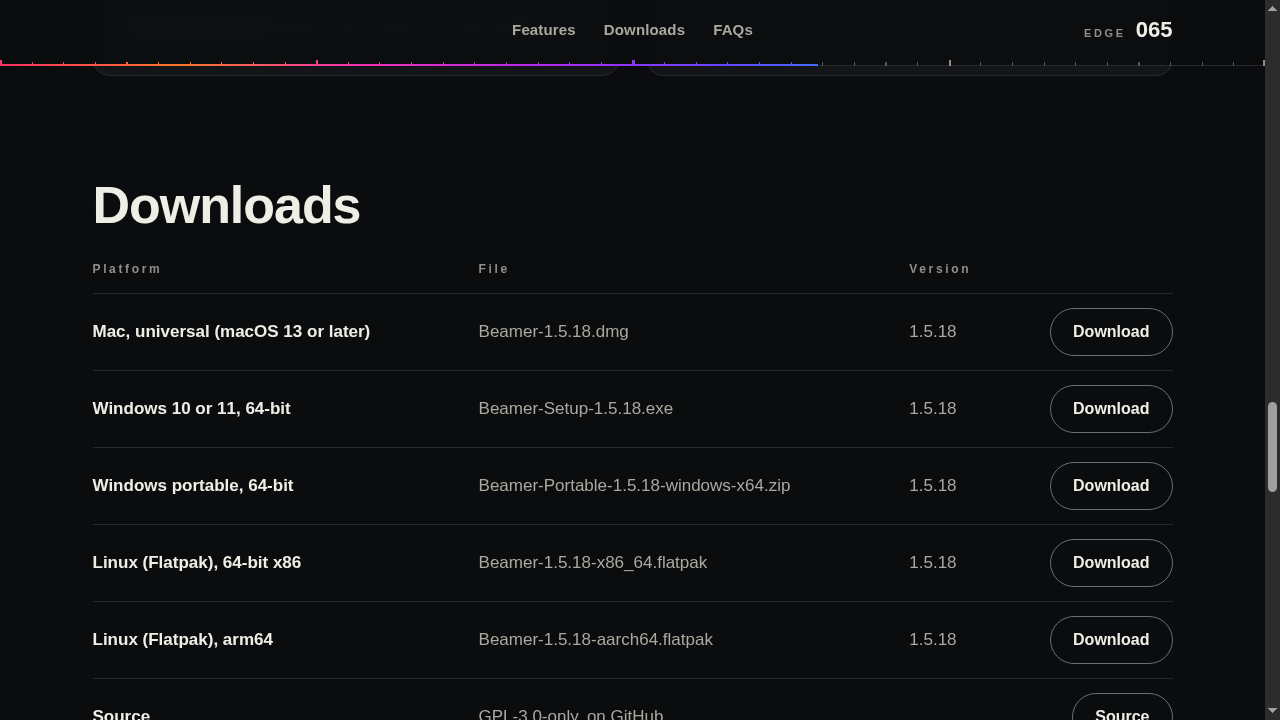
- Mac (universal, macOS 13+): Beamer-1.5.18.dmg, signed and notarised by Apple per the developer.
- Windows 10 or 11, 64-bit: Beamer-Setup-1.5.18.exe, or a portable zip that needs no installer or admin rights.
- Linux (Flatpak): x86 64-bit and arm64 files, or flatpak install --user https://flatpak.kalkmancode.co.uk/beamer.flatpakref.
Privacy and your network
- Nothing goes through a server: each machine announces itself on your local network, and each pair connects directly and encrypted, with input able to travel either way.
- Pairing is a one-time six digit code that one machine shows and the other types.
- If Check for updates is on, Beamer asks GitHub for the latest release at start-up and once a day. You can turn this off in Overview.
What to watch out for
- Version 1.5 does not pair with 1.4.x. Update every machine you pair, then pair them again.
- Windows SmartScreen may still warn while reputation builds. The developer says the installer is code-signed (Certum) since 1.5.8; check the Digital Signatures tab in the file's Properties, and only use the official GitHub links.
- Beamer cannot type into Windows apps that run as administrator unless you turn on Control administrator windows (off by default). UAC prompts, Ctrl+Alt+Del and the lock screen always need the PC's own keyboard.
- Linux support is the newest: the developer says it was tested on one Fedora GNOME desktop under Wayland, KDE Plasma is experimental and untested, and Wayland has listed limits (for example, use Super+Shift+B to send input out).
- Machines must share a local network. On a VPN, another subnet or guest Wi-Fi that keeps devices apart, you type the machine's address instead of picking it from the list.
- The clipboard moves text and images, not files.
Who makes it
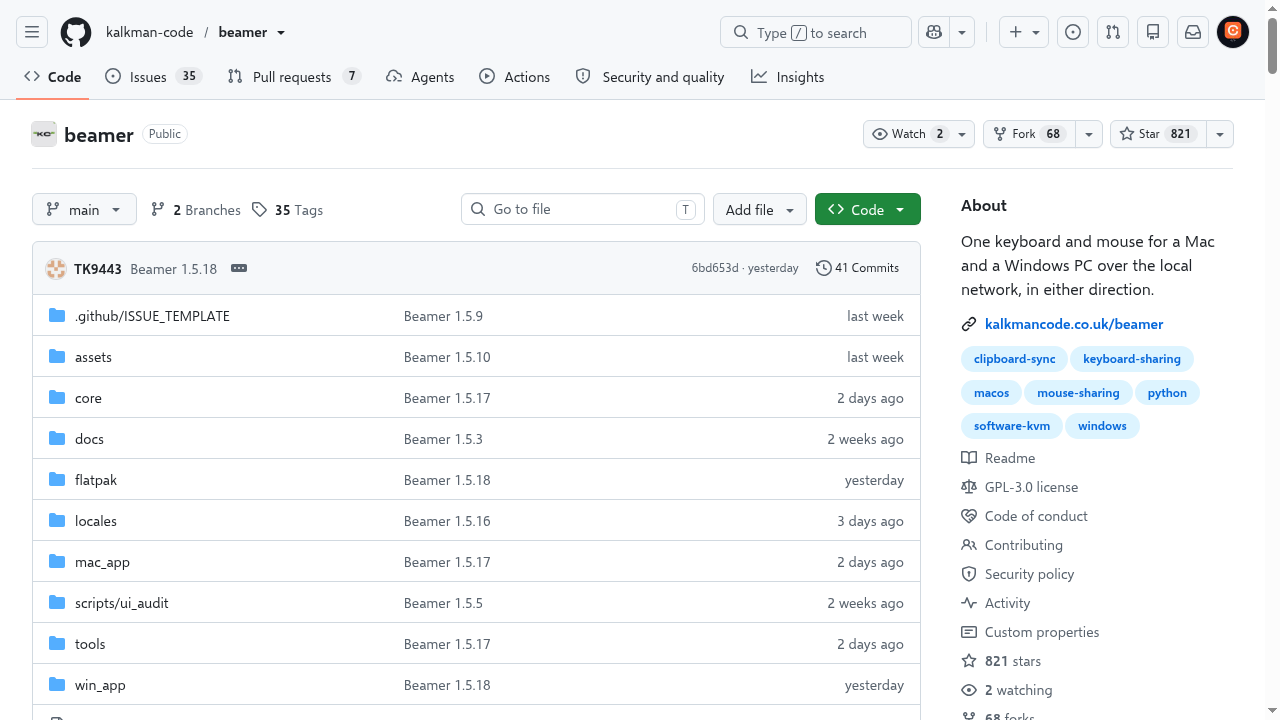
Kalkman Code is a one-developer UK studio (Toby). The developer says he uses AI coding tools to help write the code, docs and release notes, decides what gets built, reviews the changes and tests every release on real machines himself. The GitHub project showed 821 stars and 68 forks, with a commit from the day before our check.
It sits in the same category as the open source Deskflow and Microsoft's Mouse without Borders (Windows only); Beamer's pitch is that it works across macOS, Windows and Linux with Mac-style gestures.
India
- We saw no country restriction on the pages we read, and the downloads are free worldwide. We did not test installing from India.
Frequently asked questions
Is Beamer free?
Yes. The developer says the desktop app is free and open source under GPL-3.0-only, with no account and no subscription.
Does it work over the internet?
No. Machines must be on the same local network, and the developer says no data goes through a server.
Mac to Mac, or PC to PC?
Yes, both, and up to 32 machines, per the official site.
Does it work on Android or iPhone?
No. Beamer is for moving between computers: Macs, Windows PCs and Linux machines.
Sources: beamerapp.co.uk (homepage, features, downloads, FAQs), Beamer on GitHub and its releases, Kalkman Code update log, developer's Instagram reel. Checked 30 October 2026.
Independent guide by AiCoN - not affiliated with or sponsored by Kalkman Code. Features and limits are the developer's claims; check beamerapp.co.uk before relying on them.