Azure for Students: $100 credit with no credit card - free cloud for university students
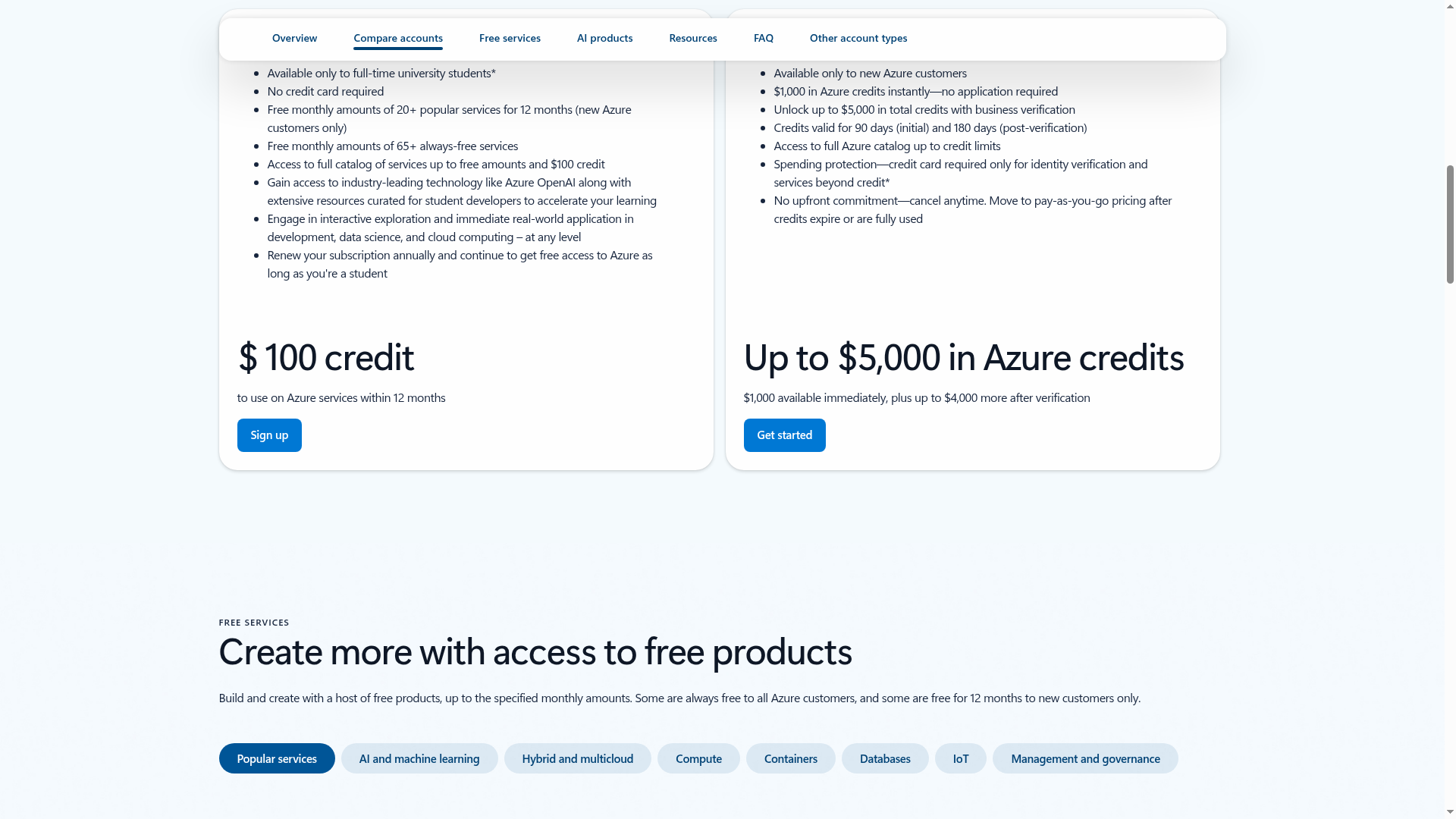
Azure for Students gives full-time university students a $100 credit (about Rs 9,500) to use within 12 months on most Azure products - and you do not need a credit card to sign up. On top of the credit, new Azure customers get free monthly amounts of 20+ popular services for 12 months, plus 65+ services that are always free. Sign up with your school email and renew yearly while you are a student.
Who can apply
- Full-time university students (Microsoft's words on the offer page)
- A school email address to sign up
- A Microsoft account (free to create)
- Renew every year while you are still a student to keep access
What you get (checked 19 October 2026)
- $100 Azure credit (about Rs 9,500) to use within 12 months on most Azure products
- No credit card required to sign up
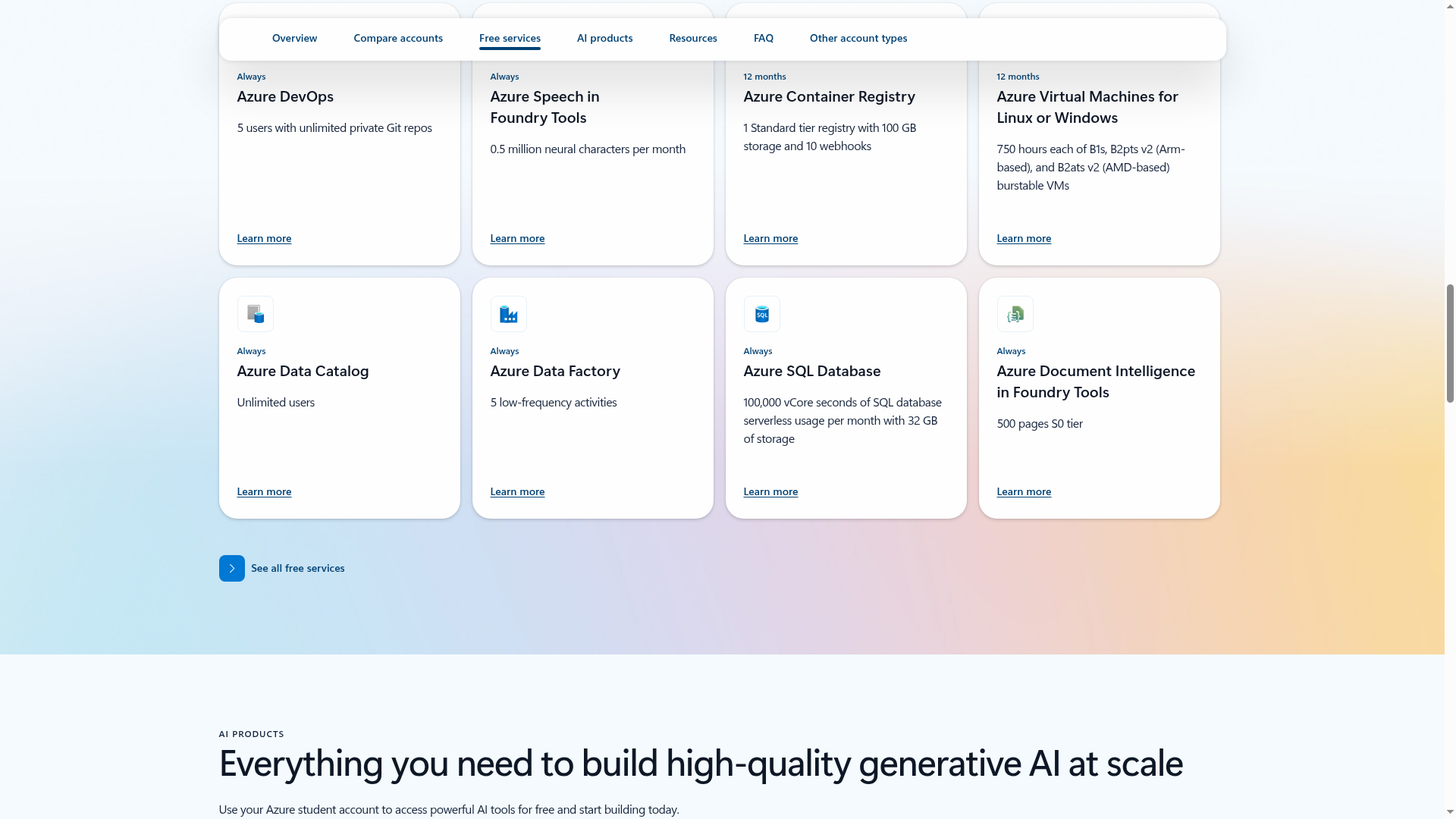
- Free monthly amounts of 20+ popular services for 12 months (for new Azure customers)
- 65+ services that are always free
- Access to technology like Azure OpenAI, plus learning resources curated for student developers
- Free developer tools from the Azure Education Hub: Visual Studio Community, Visual Studio Code, SQL Server Developer and Standard, Visio Professional, Windows Server and more
- Free self-paced learning on Microsoft Learn
How to apply: step by step
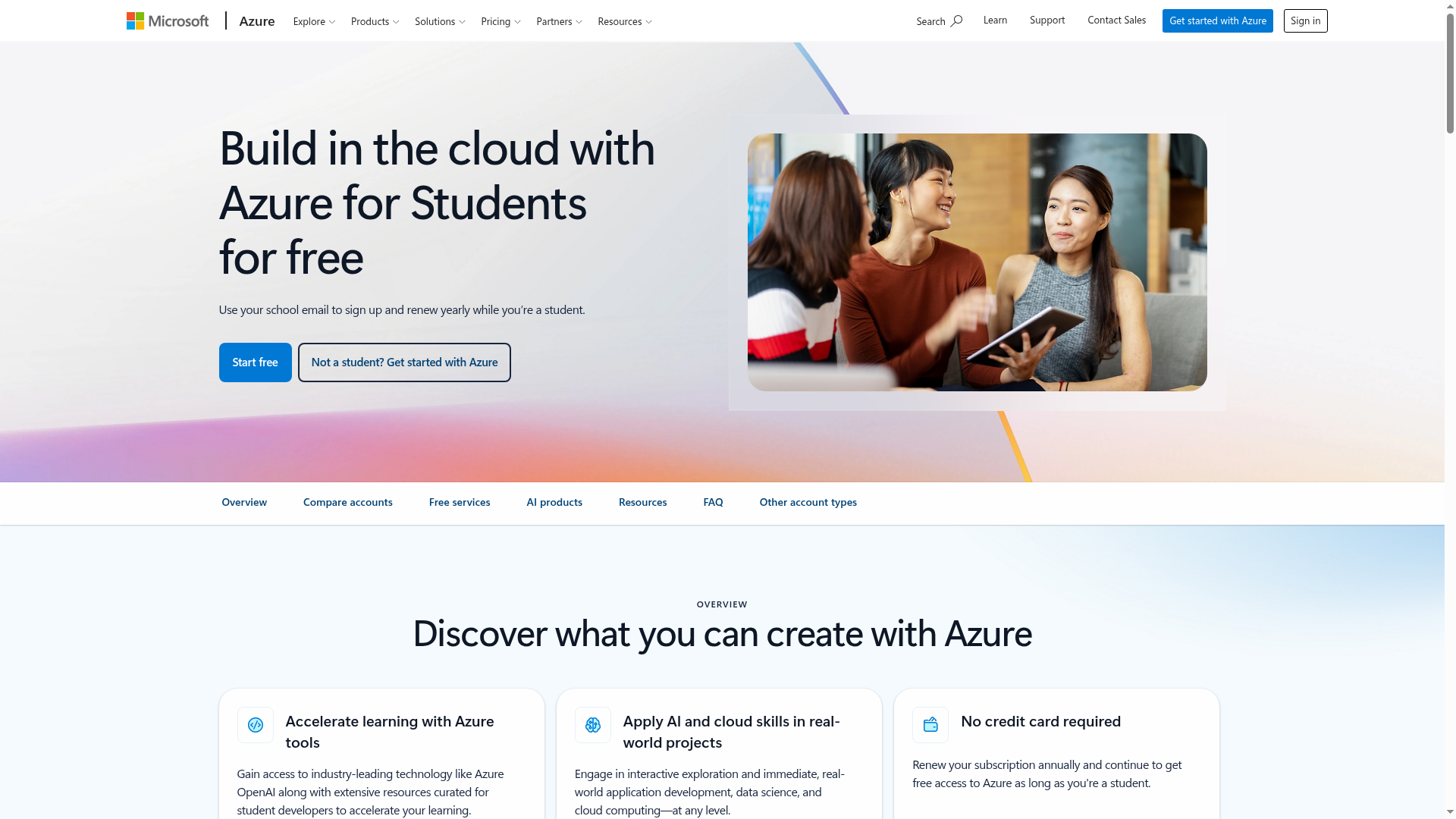
- Create a free Microsoft account if you do not have one (or sign in to your existing account). Keep your school email handy.
- Tap "Start free" - this takes you to Microsoft's student verification page. Sign in with your Microsoft account and verify your student status with your school email.
- Once verified, your Azure for Students subscription is active with the $100 credit. To get the free developer tools, open the Azure Education Hub from your account and download Visual Studio, SQL Server and the rest.
- Renew your subscription every year while you are a student to keep getting access.
- When the $100 credit is used up or the 12 months end, Microsoft emails you: choose pay-as-you-go to keep building (free monthly amounts continue) or do nothing and the subscription is disabled. You are not charged automatically.
Watch: apply step by step
- English: How to Get Microsoft Azure $100 FREE Credit Offer for Students - No Credit Card Required in 2026 - Coding Shiksha, August 2026. Walks through claiming the offer; the video also carries an auto-dubbed Malayalam audio track.
- Malayalam: we could not find a reliable Malayalam-native tutorial for the current signup flow. The English video above has a Malayalam auto-dub option, and the official pages below are the source of truth.
This video is by an independent creator, not Microsoft - always cross-check details on the official pages linked below. Offer details above are from the Azure for Students page and Microsoft's education students page, checked 19 October 2026. Rupee figure is approximate at mid-October 2026 rates. Azure for Students is for education, non-commercial research and software development/testing use, per Microsoft's terms.
Sources: Azure for Students, Microsoft Education - Students. Checked 19 October 2026. This is an AiCoN explainer, not affiliated with Microsoft.